 Chord & Fret
Chord & Fret, whole, in your pocket
Interactive chords, scales and grooves, in any key and tuning — with a tuner, metronome and reharmonizer. Plays offline: your music does not depend on a signal.
Start free. Unlock everything with Pro. Plays offline.
What it costs
The essentials are free forever — including hearing the chord. Pro opens the rest.
All three open the SAME Pro — only how you pay changes. No feature belongs to one plan.
Most popularSave 58%14 days free
Annual
$83.88 over 12 months
$34.99/yr
Works out to $2.92 a month.
See the app and the launchThe subscription happens inside the app, through the App Store or Google Play — nothing is charged on this site.
And if I never pay?
The free plan does not expire: full chord and scale search, hearing the chord, tuner, metronome, rhythm trainer, 20 charts of your own and syncing across devices.
What is inside
4 instruments · 16 tunings · in every key
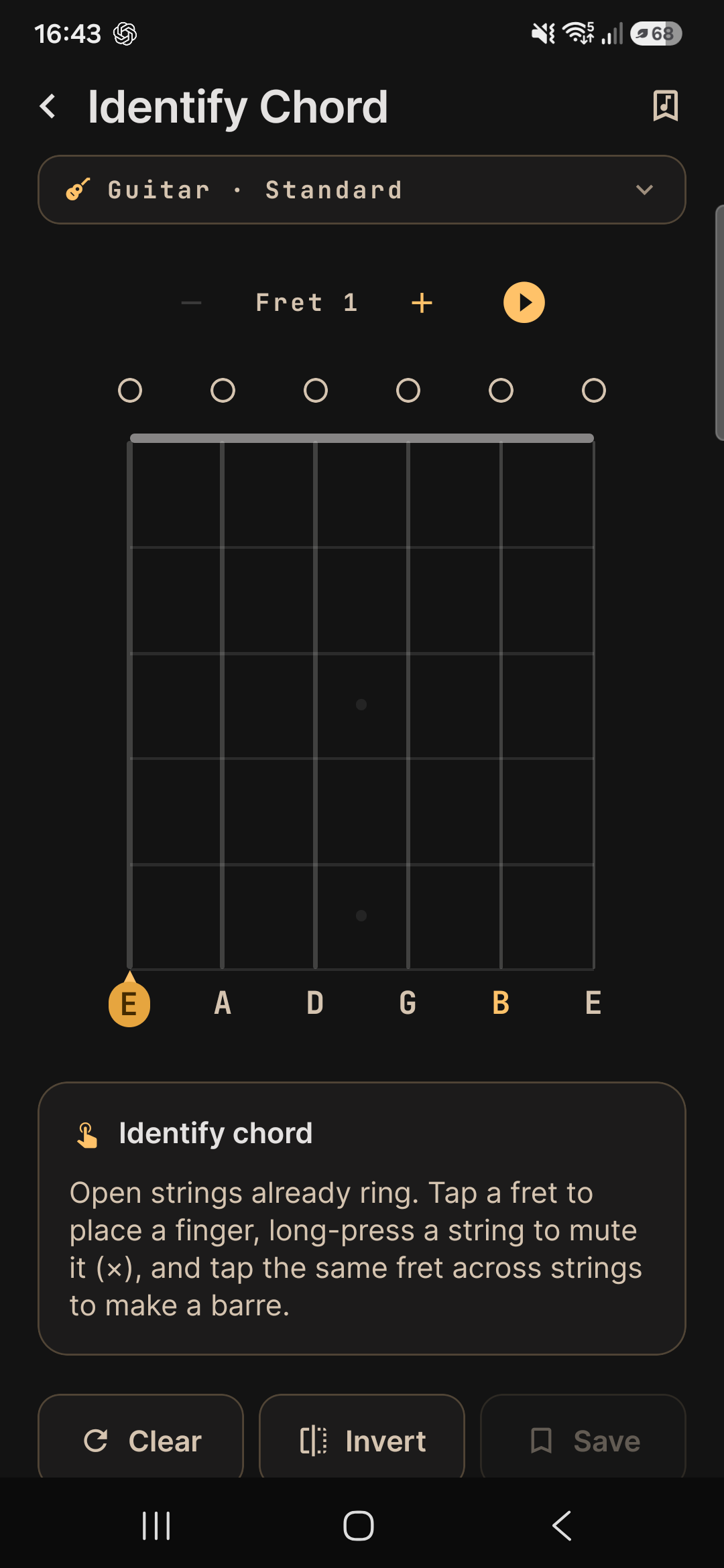
Identify chord — the reverse path
Build the shape on the neck and the app names it, with inversions and enharmonics — the trick no competitor has.
41 chord types across 12 keys
218,399 voicings and inversions — each with its diagram, fingering and audio.
57 scales mapped
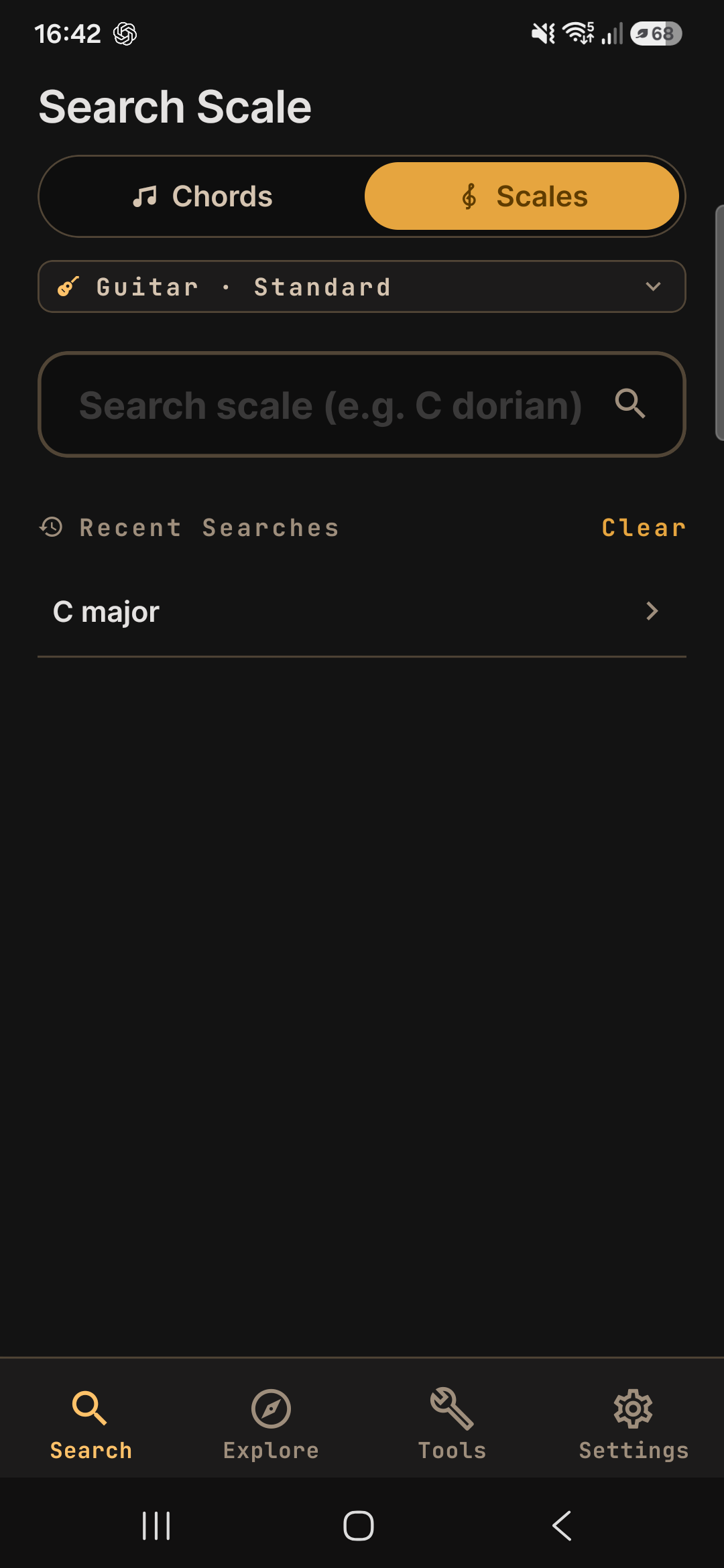
35,178 mapped scale shapes across the whole neck, with fingerings and guide tones.
Strumming & fingerpicking
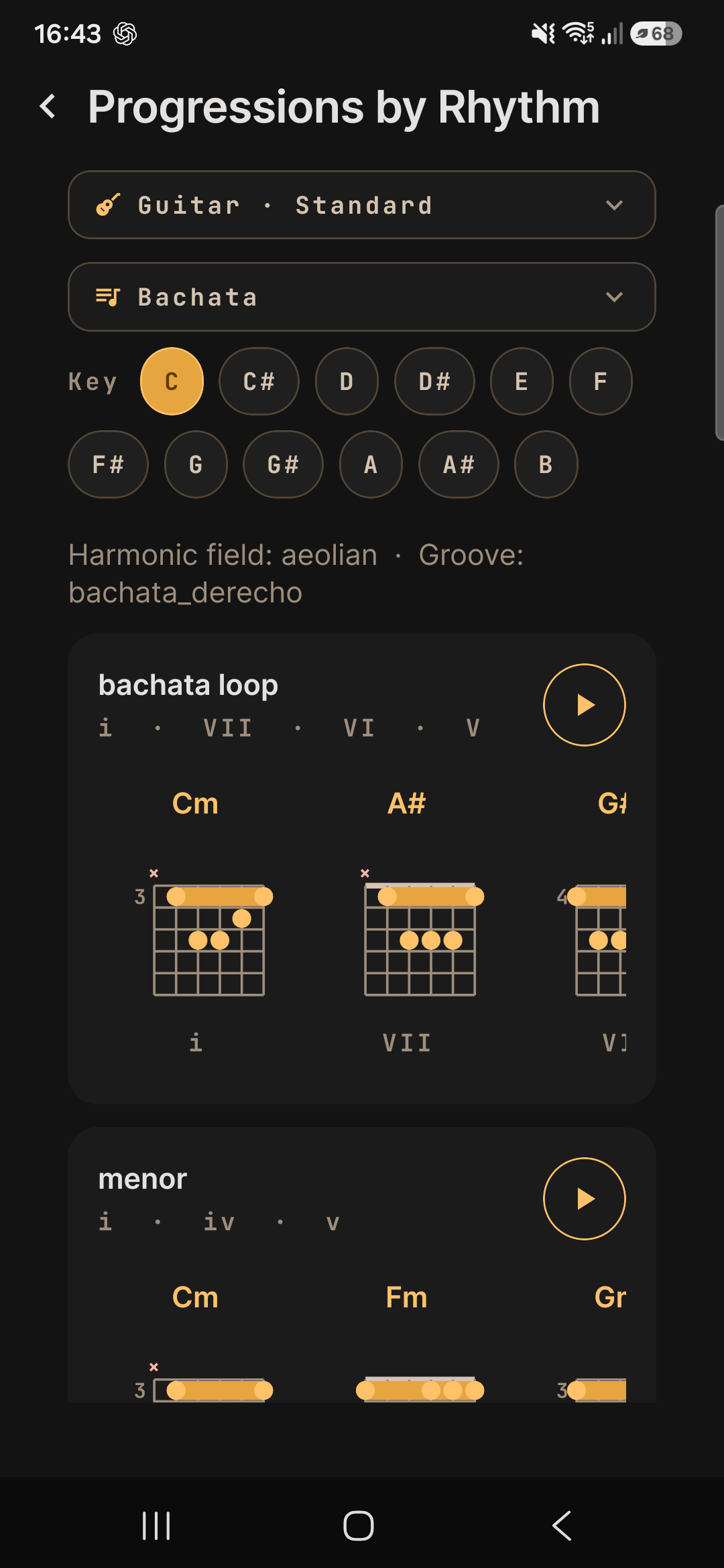
Grooves by style with audio in time — from pop to bossa nova.
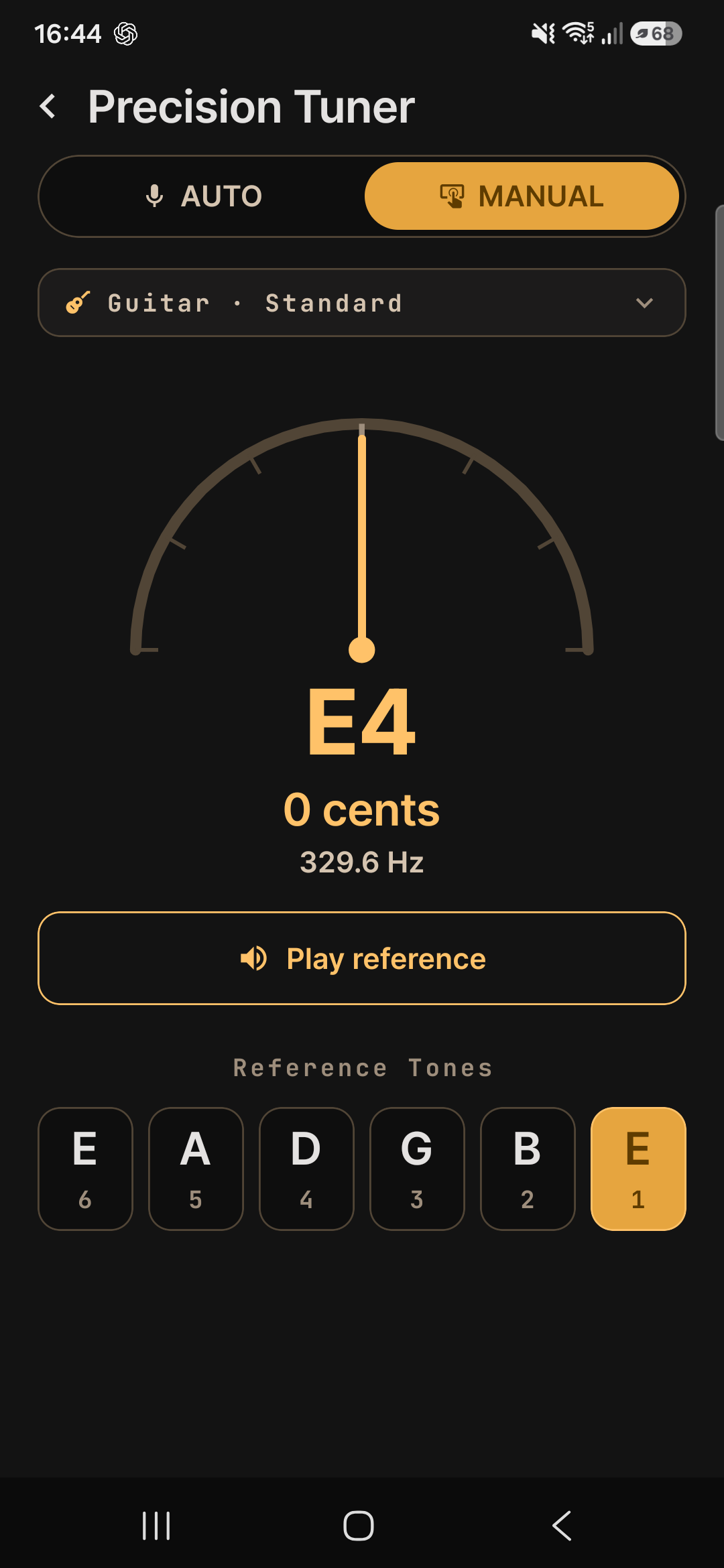
Precision tuner
A chromatic tuner with reference tones, ready before every session.
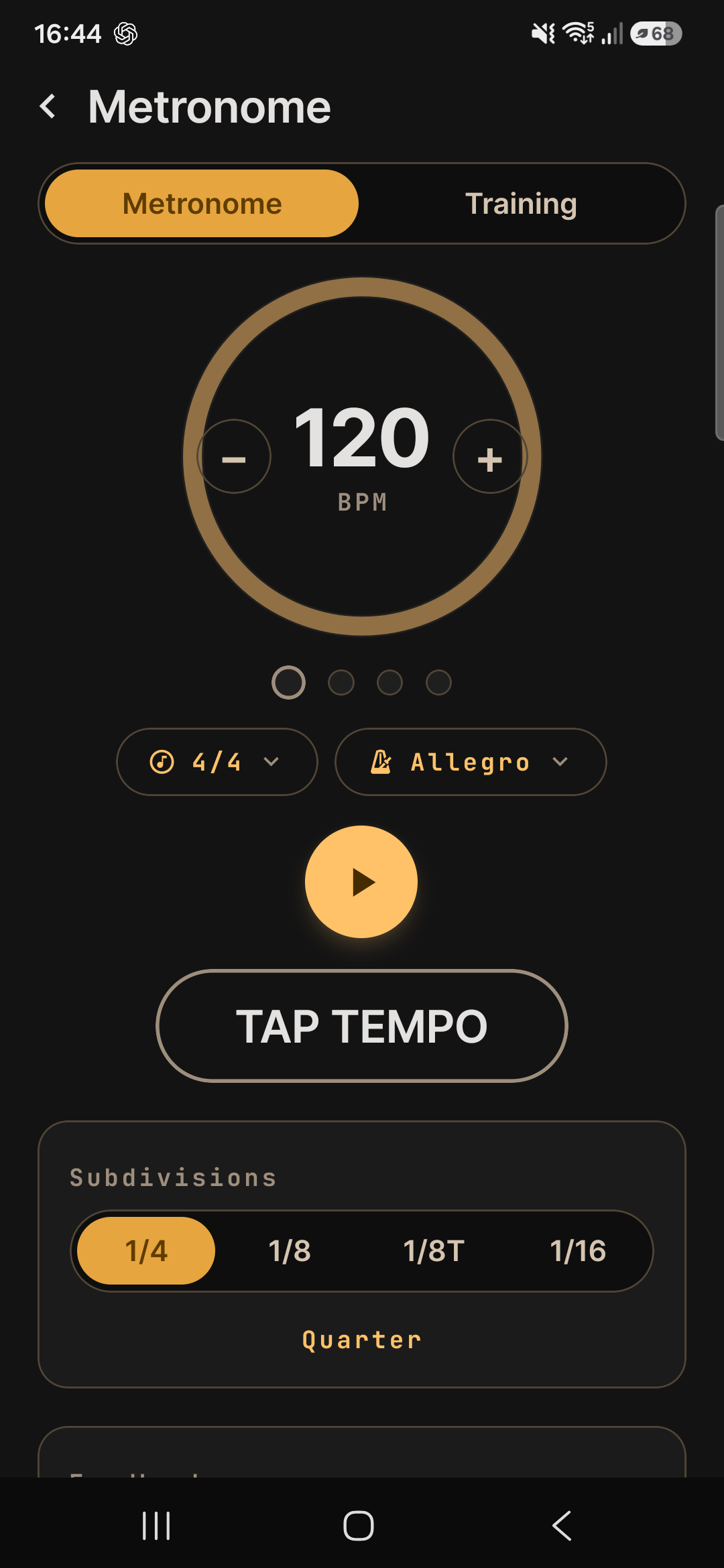
Metronome
Tap tempo and subdivisions to drill every change in time.
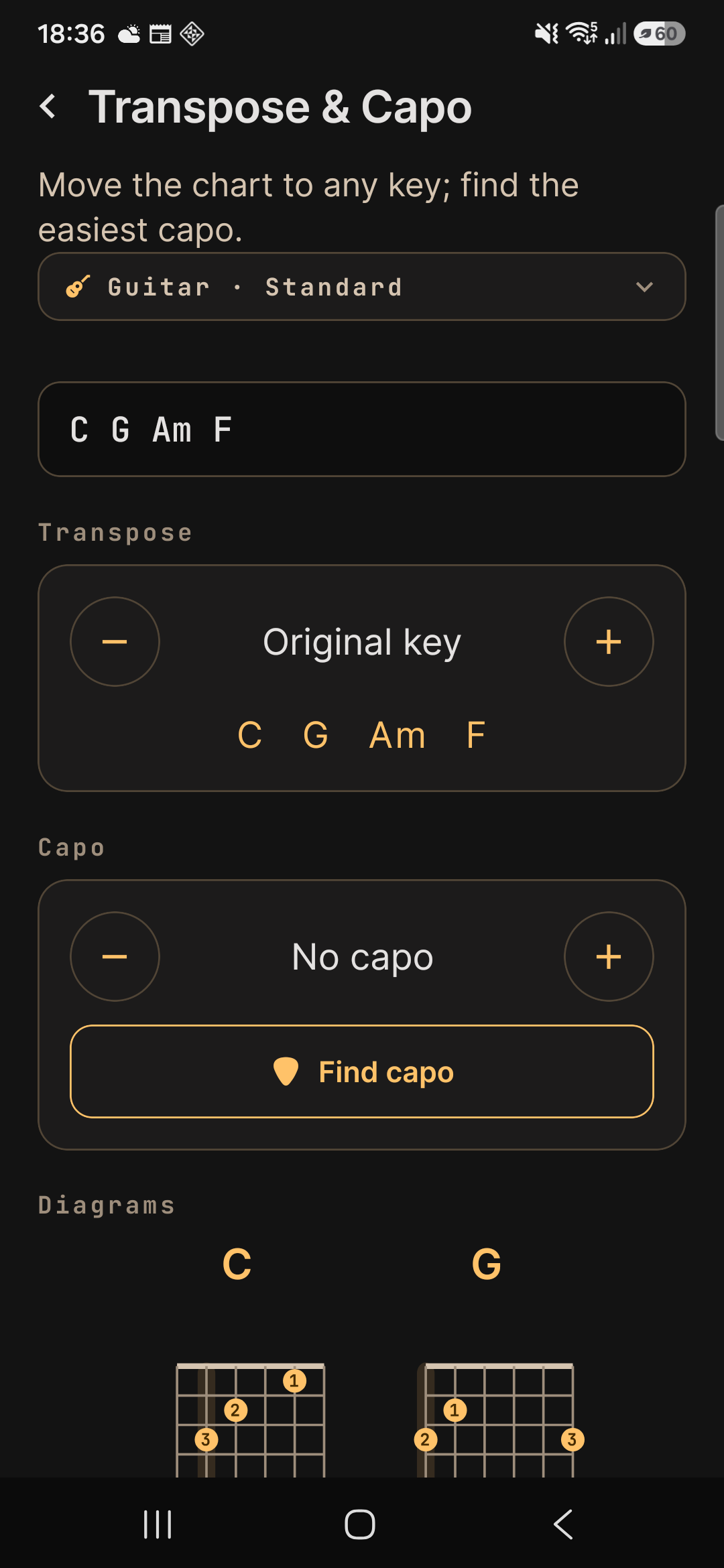
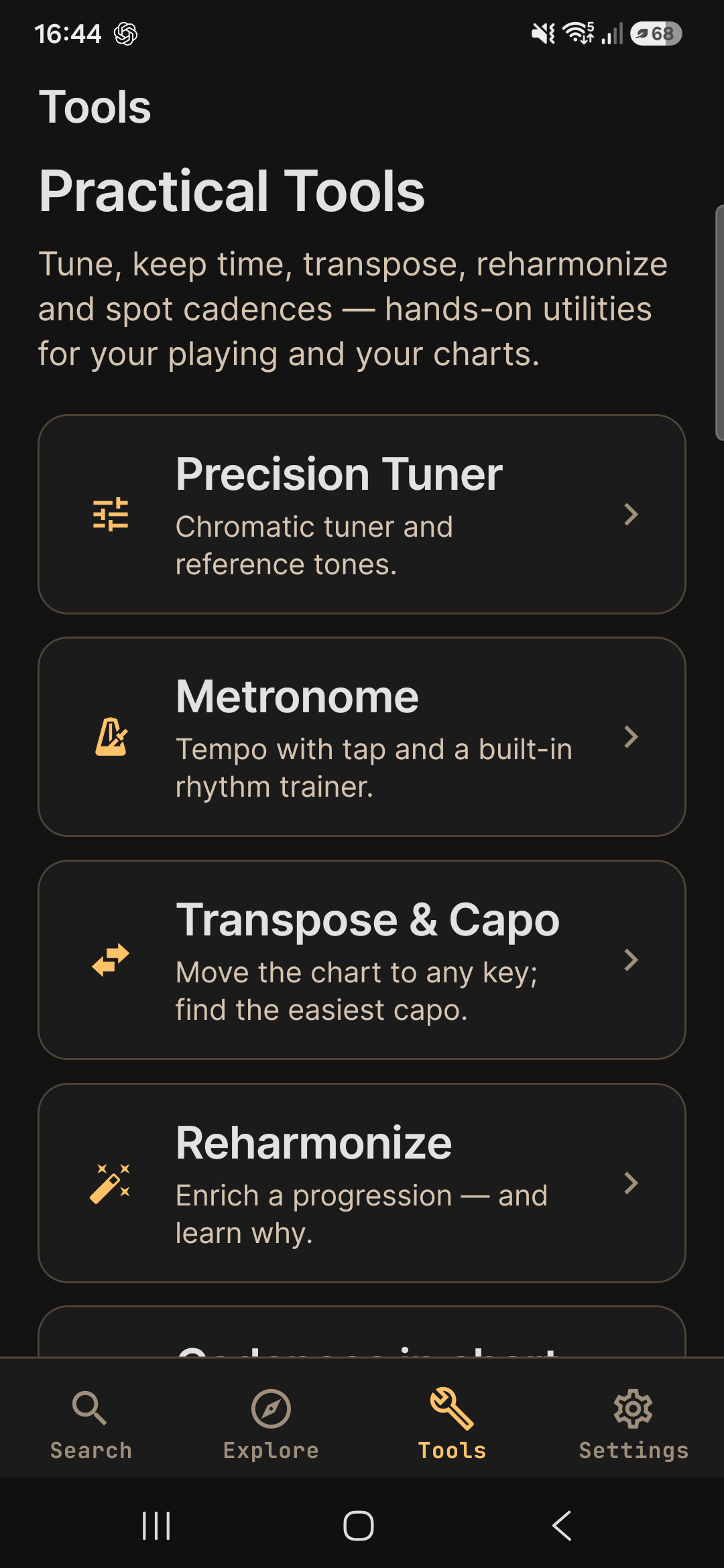
Transpose, capo & reharmonize
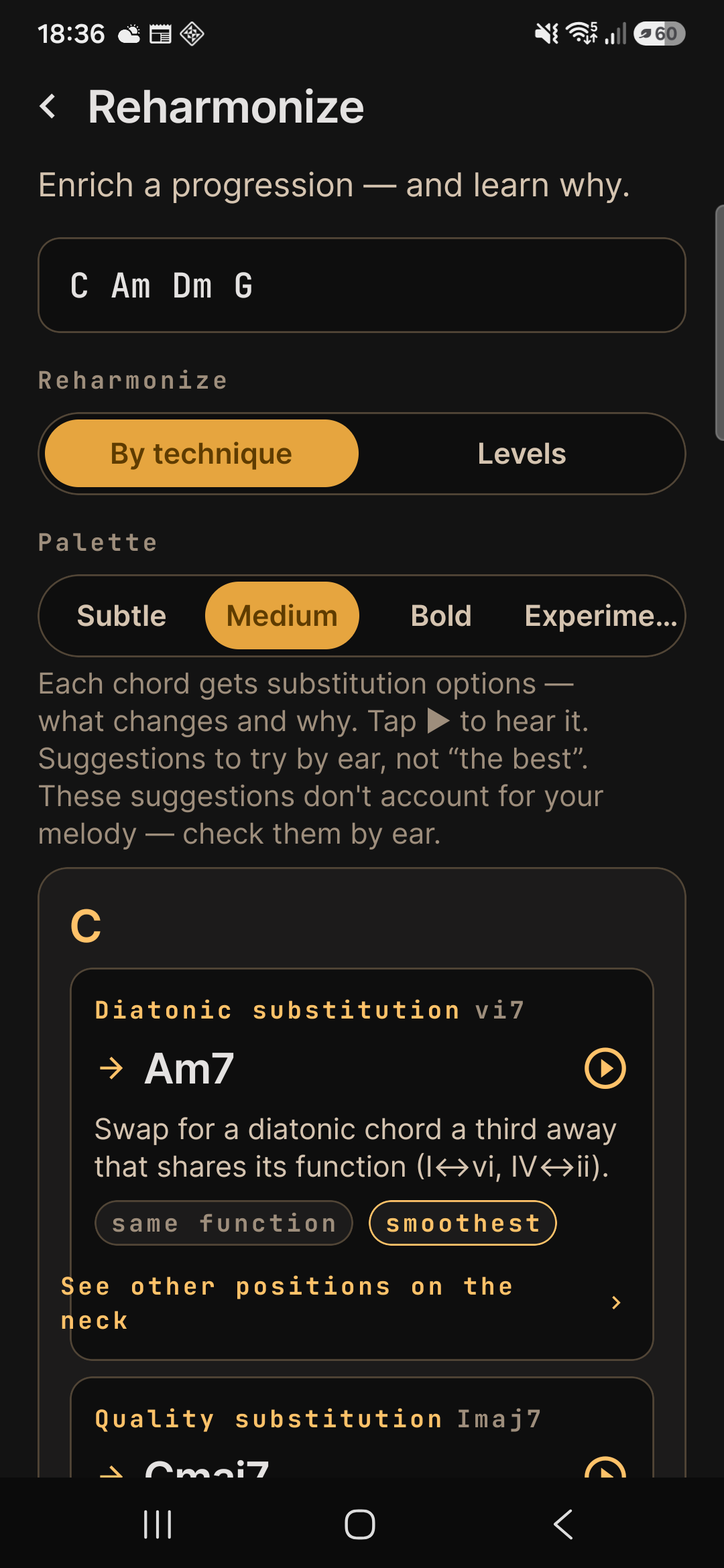
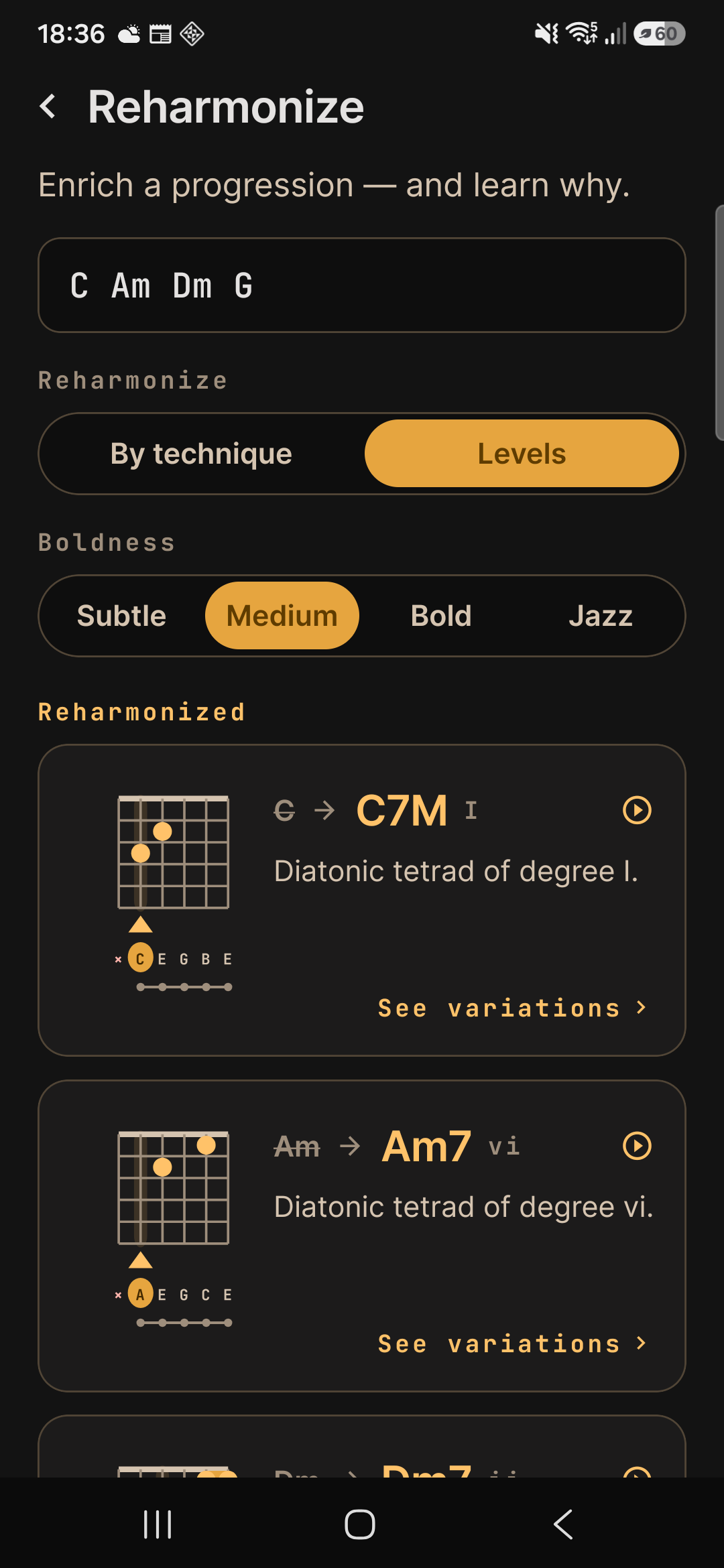
Move the whole chart to another key and put the capo wherever you like — both are free, and inside a chart the app even suggests the fret that opens the most shapes. Reharmonizing starts free too, at the gentle levels: every swap comes with the roman numeral, the diagram and the why. Letting it find the best capo on its own, the bold levels with all 16 named techniques, and reharmonizing a whole chart in one go come with Pro.
Your song charts
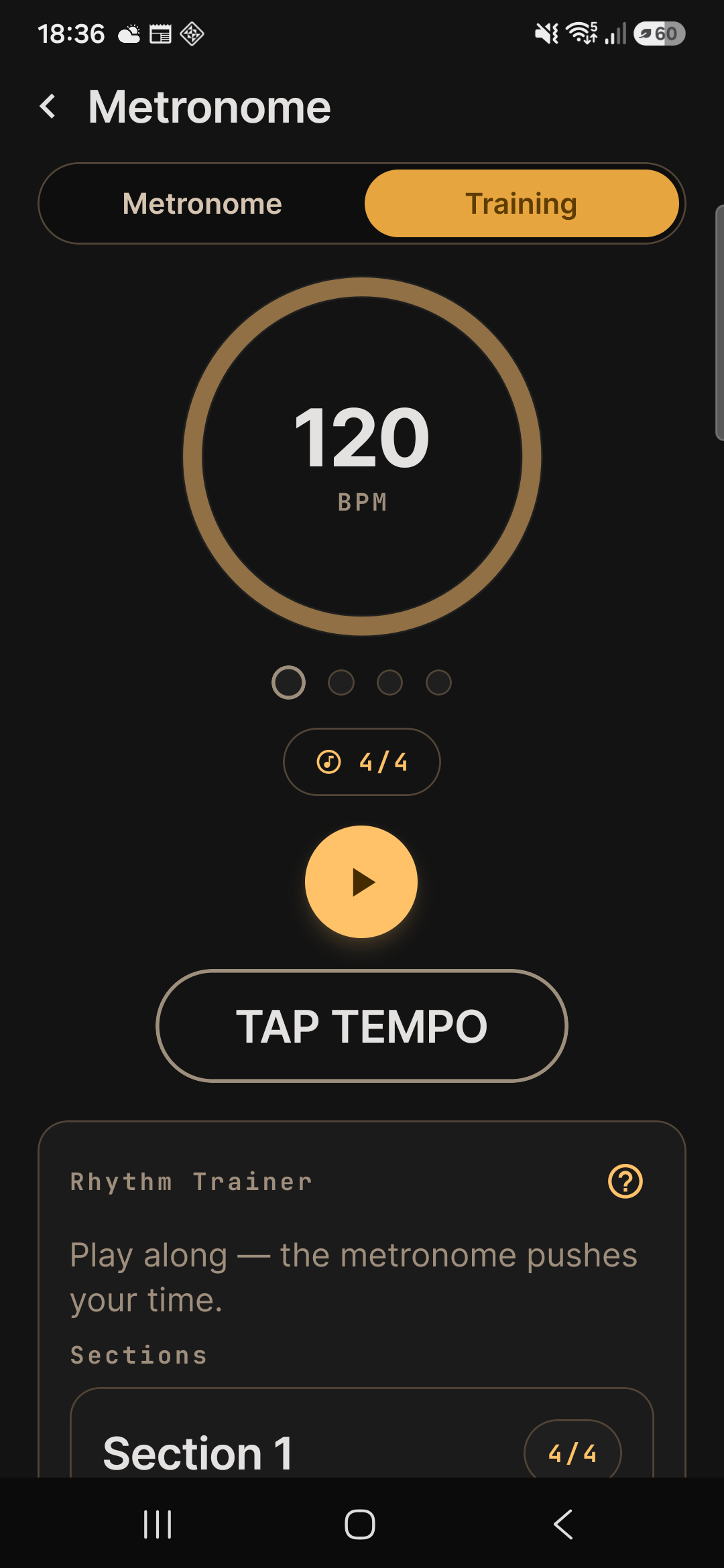
Paste a ready-made chart and it becomes sections; play along with the metronome at that song’s saved tempo and read it in stage mode. 20 songs on the free plan; stage mode comes with Pro.
Real app screens
Search & fretboard
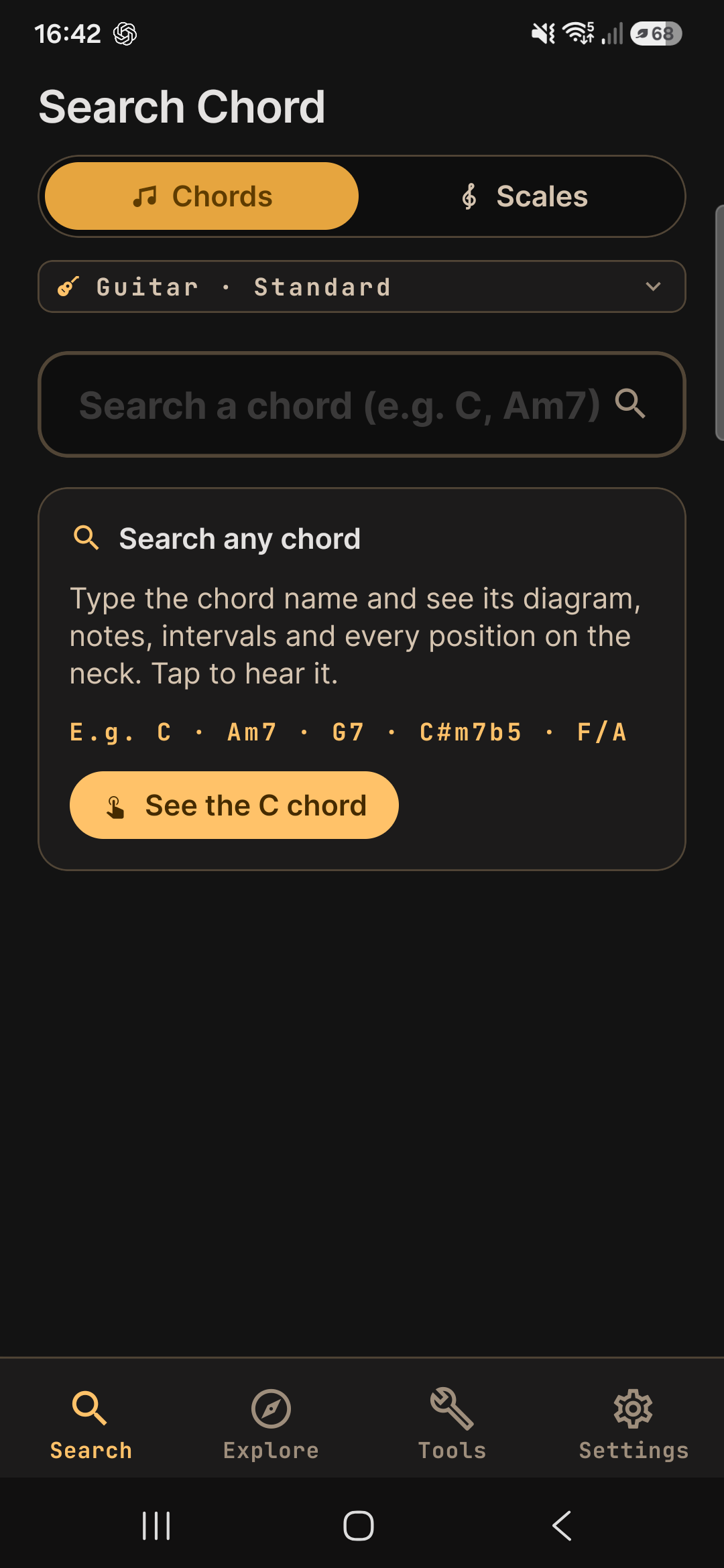
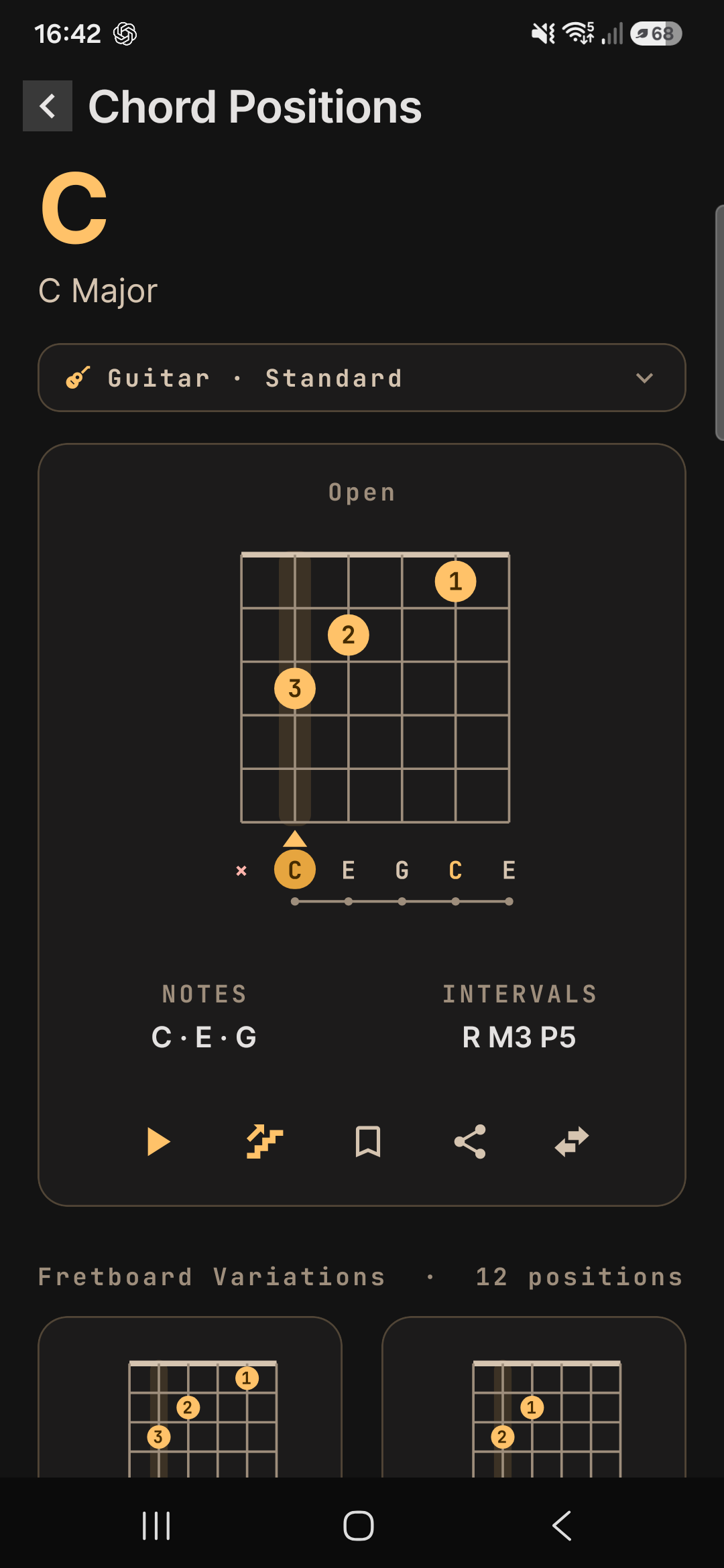
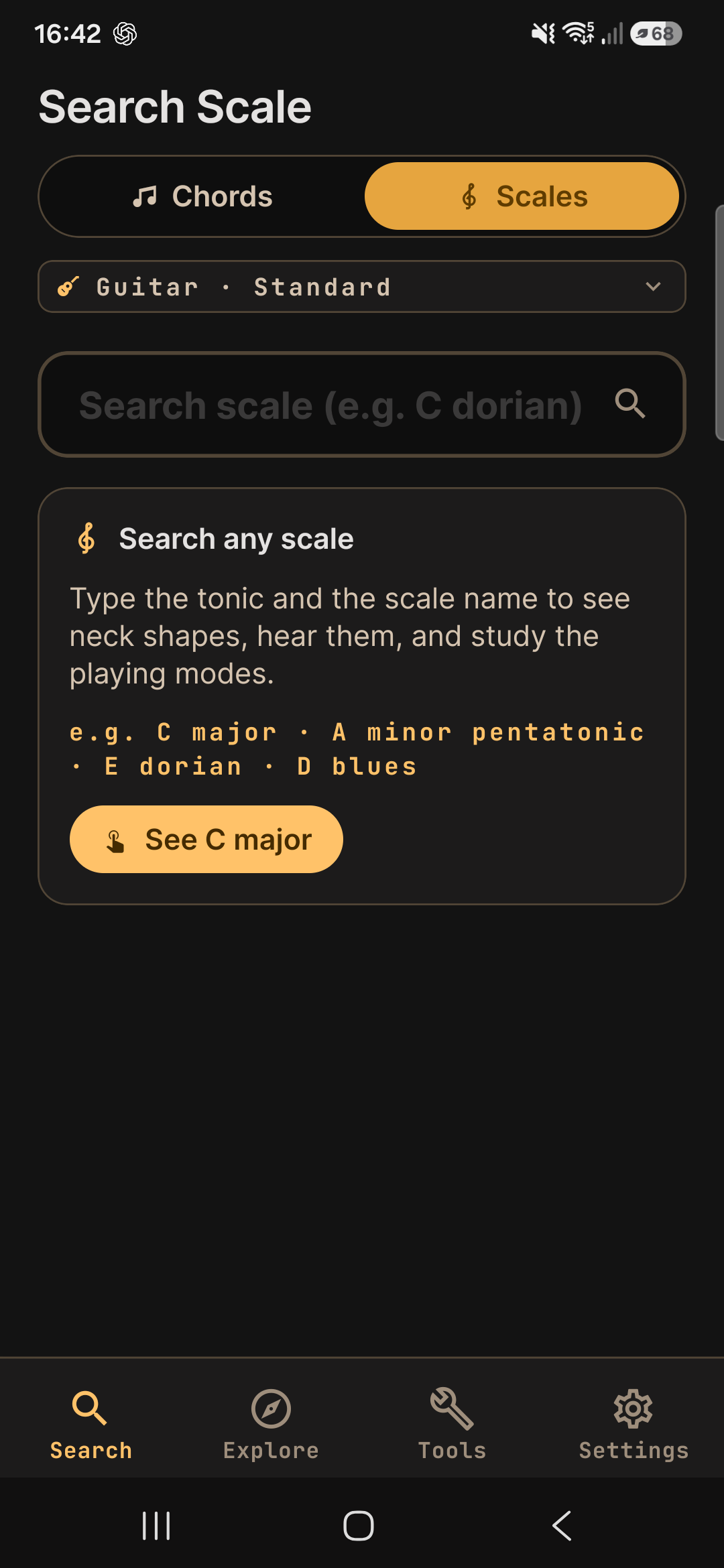
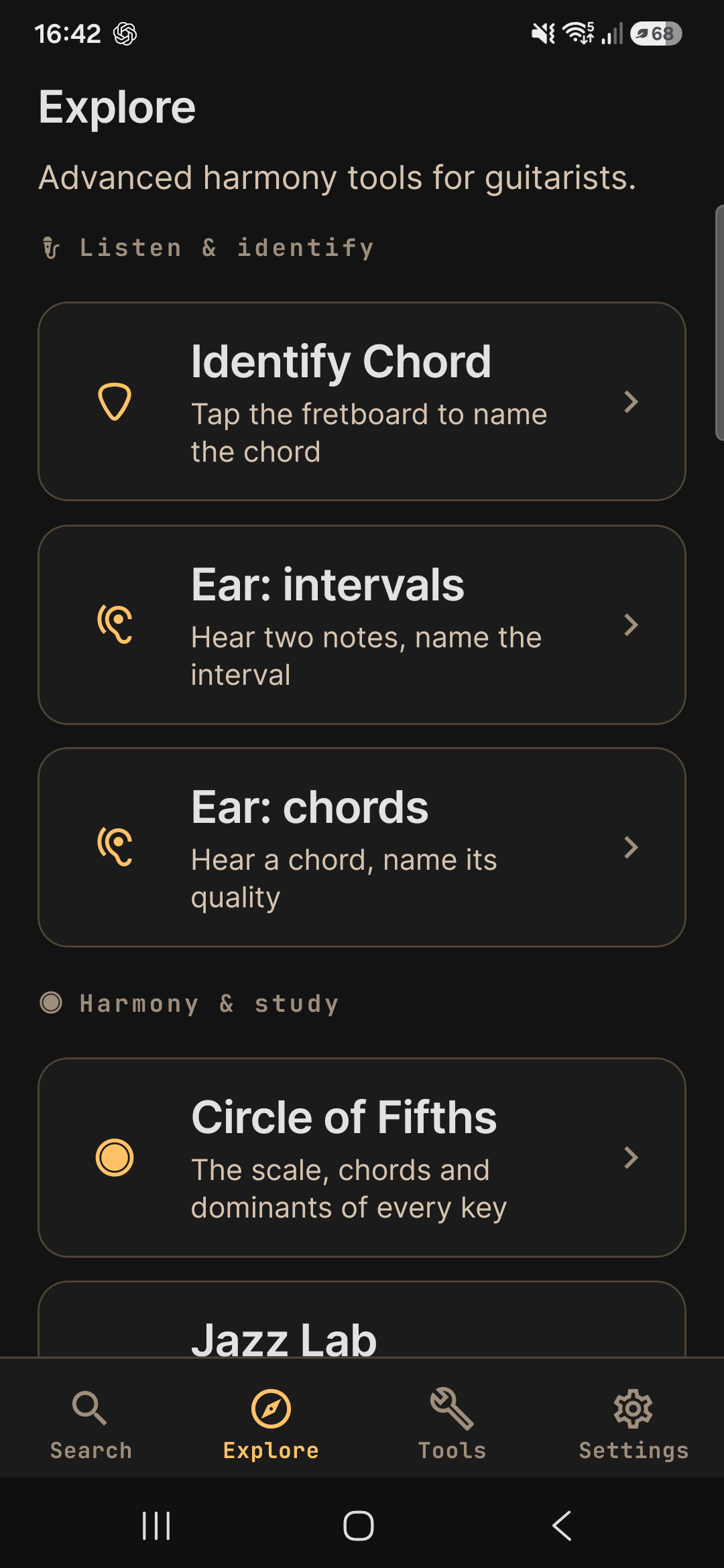
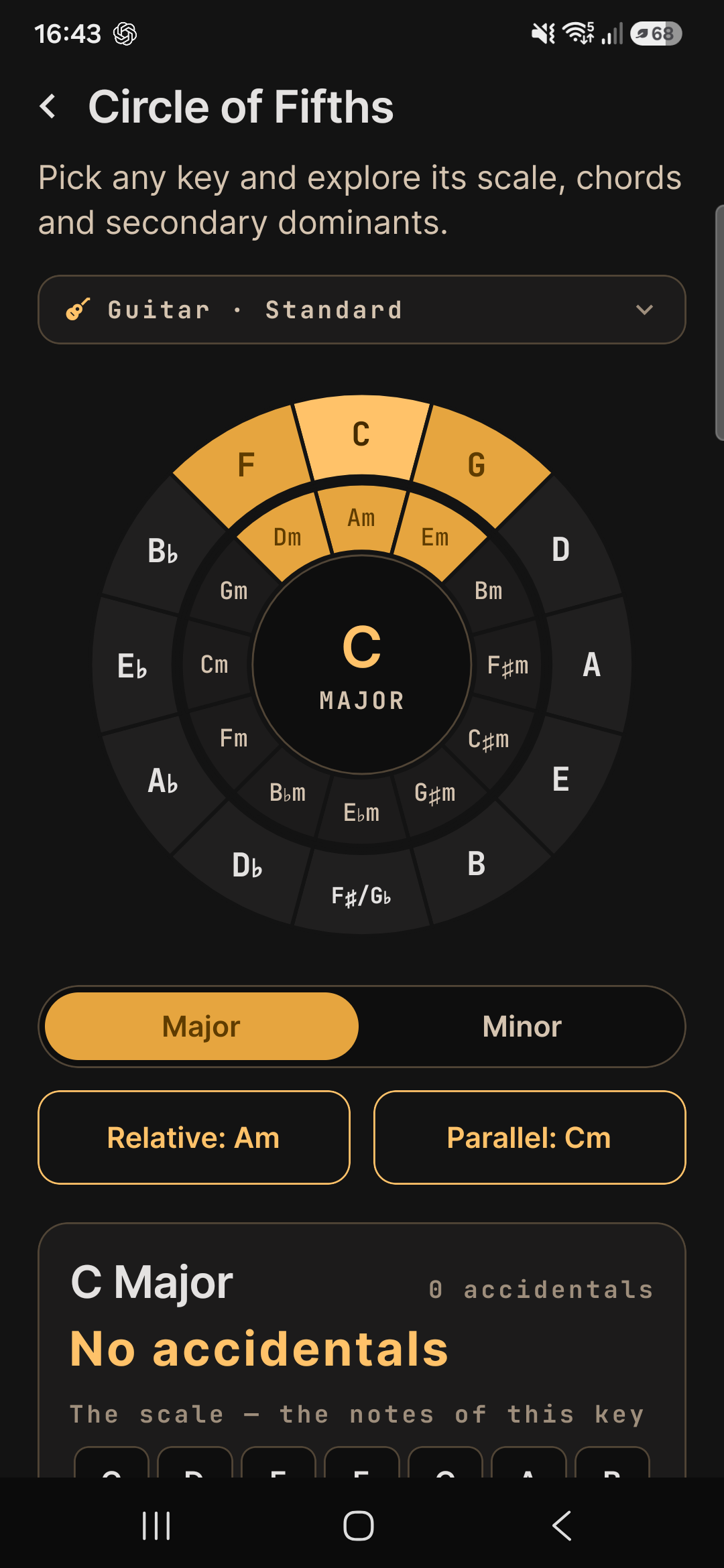
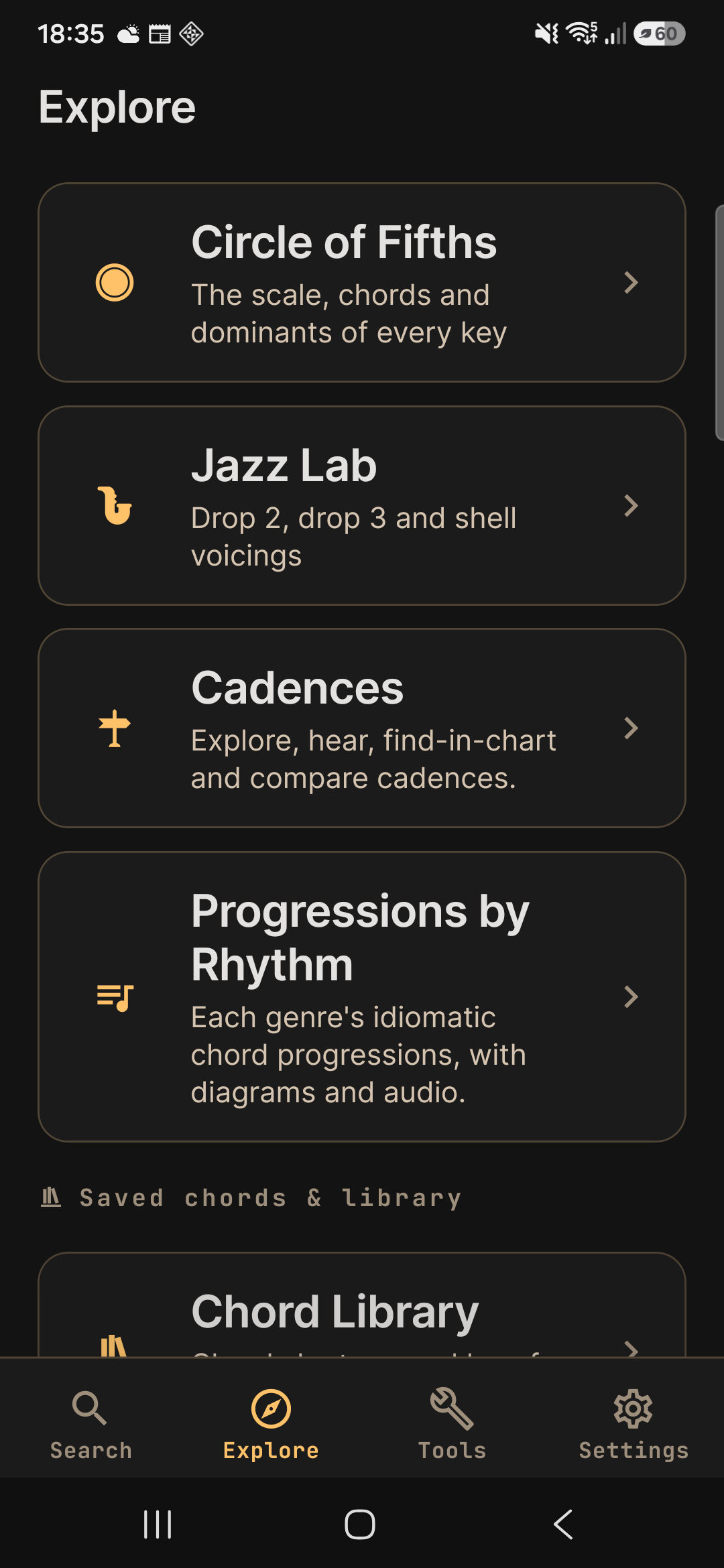
Explore & learn
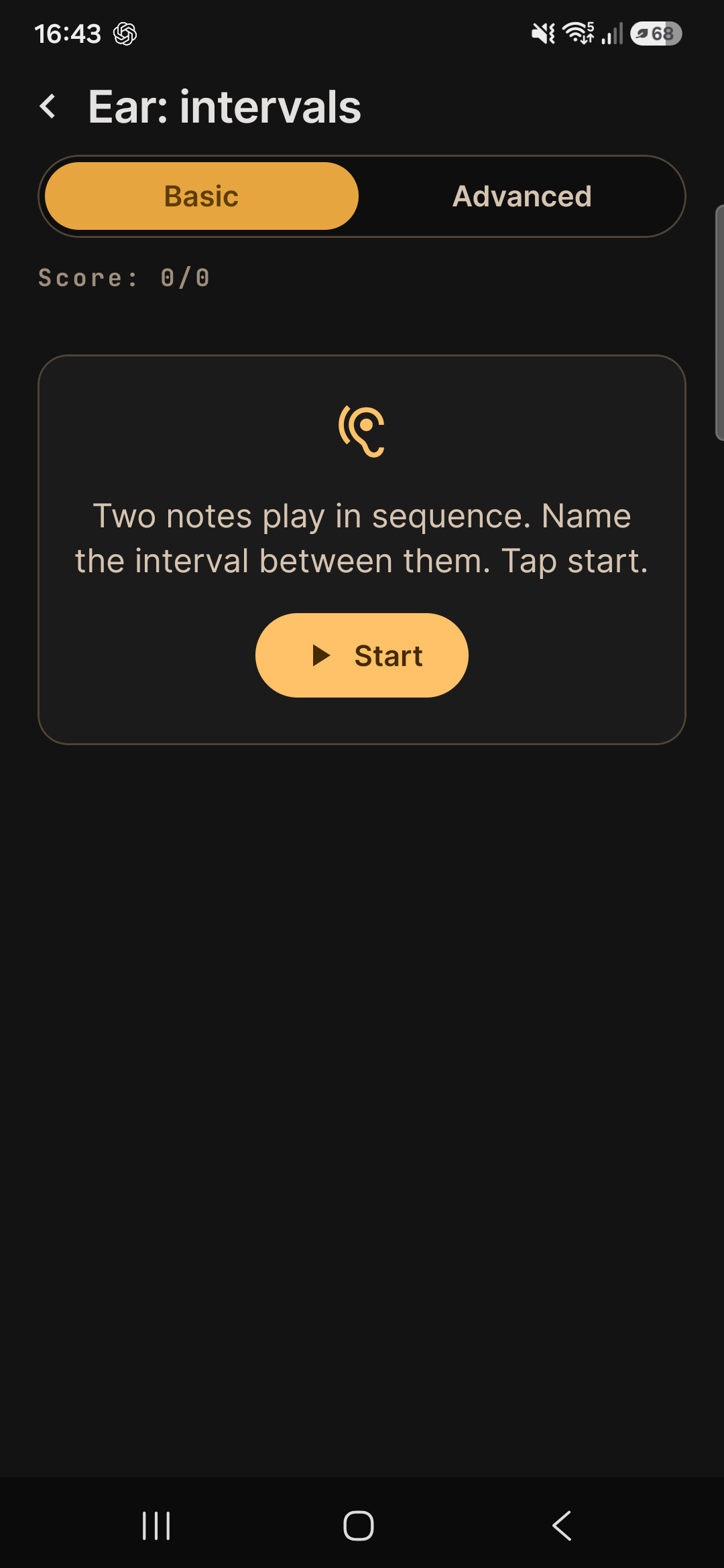

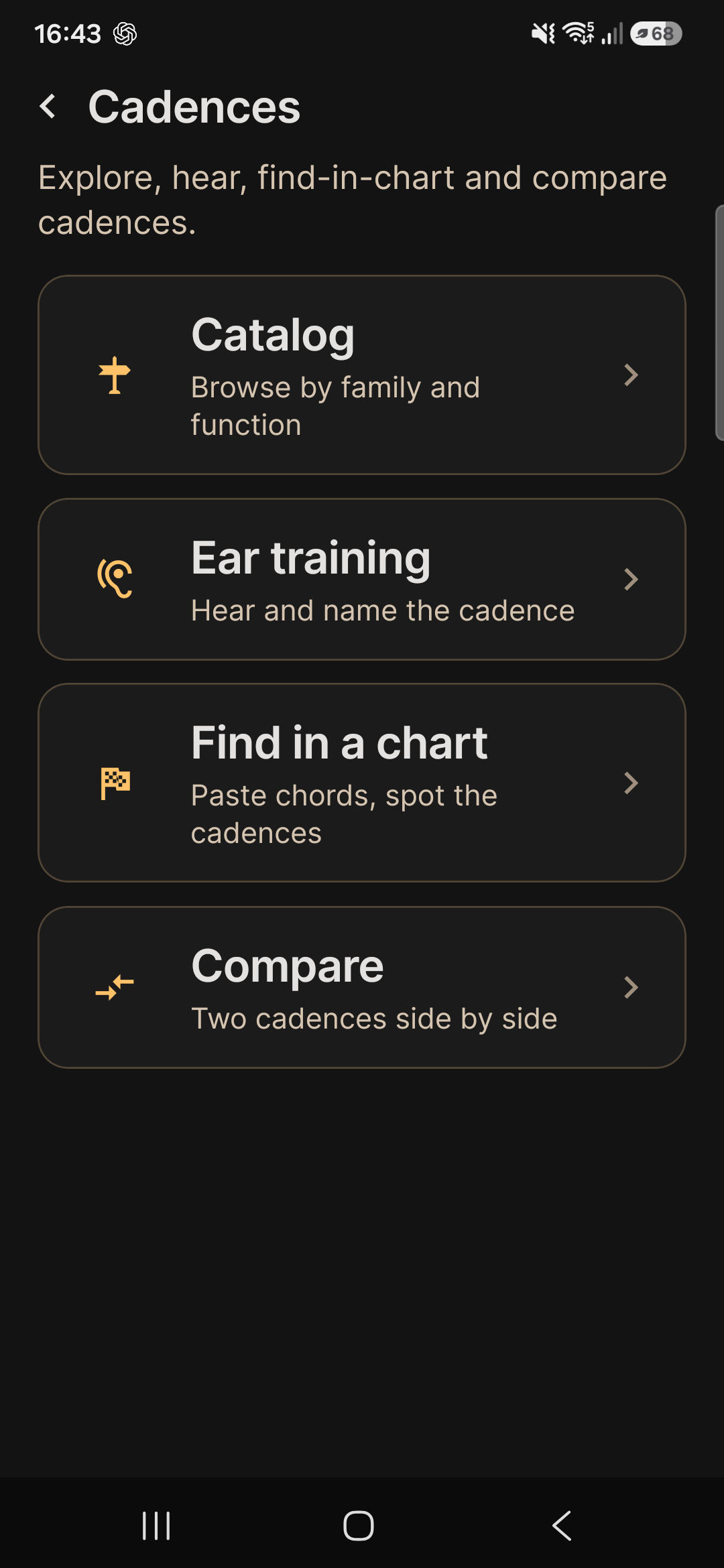
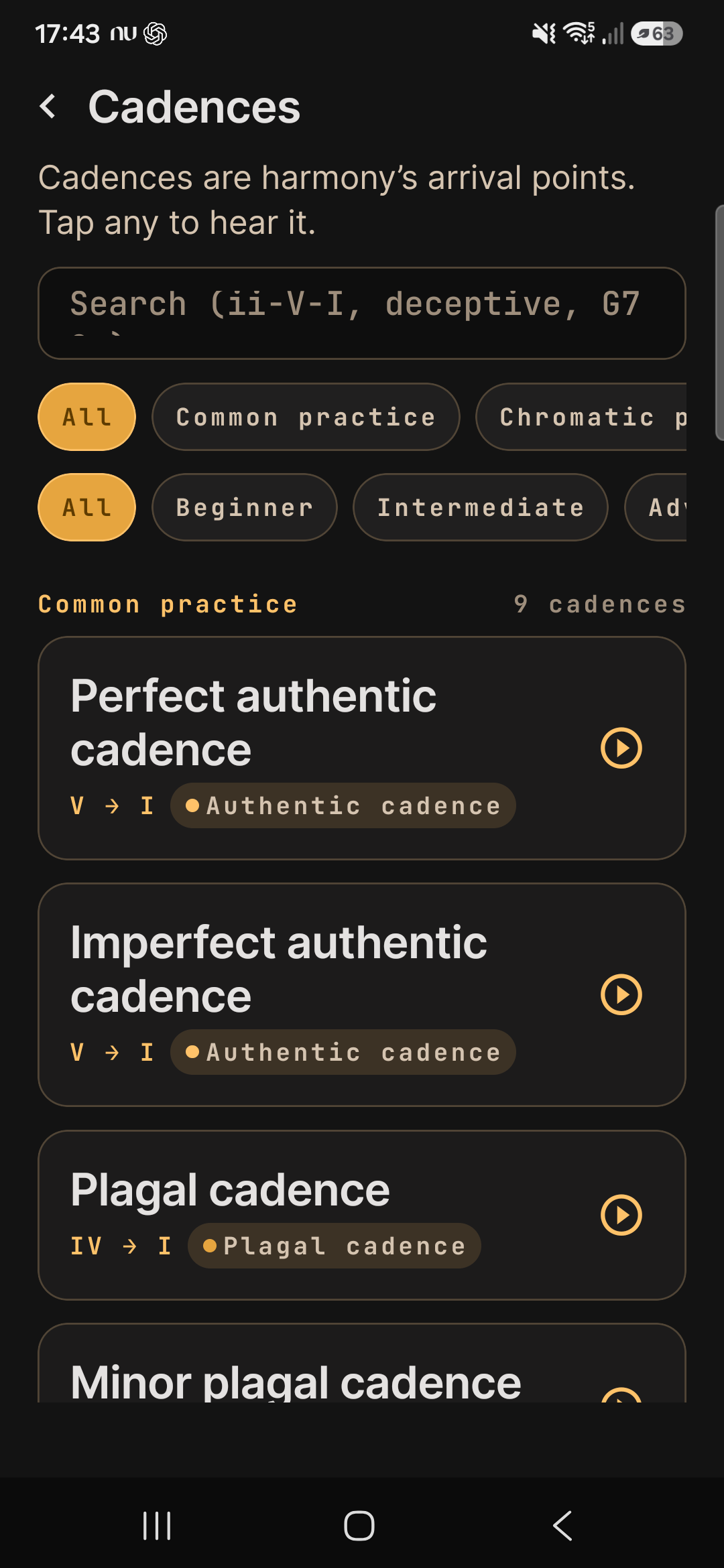
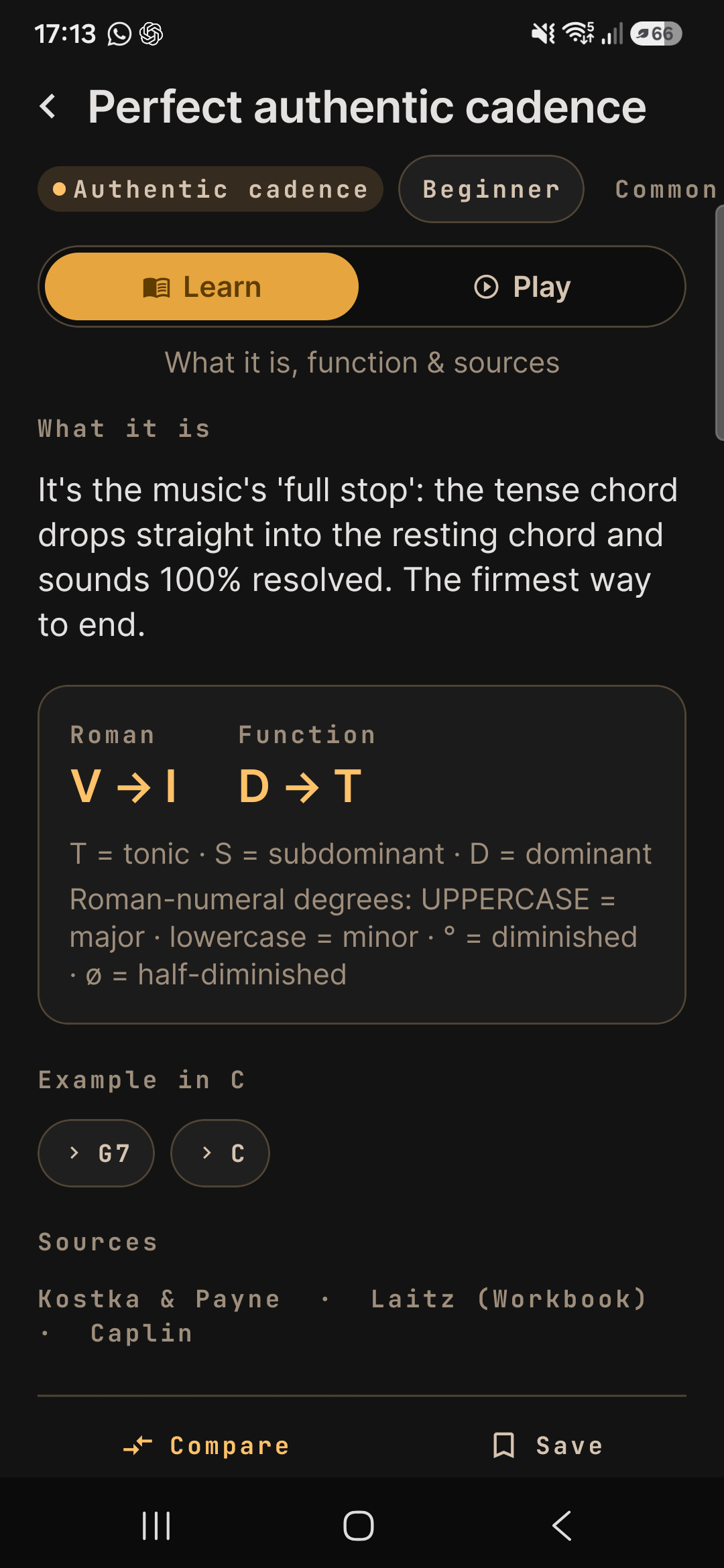
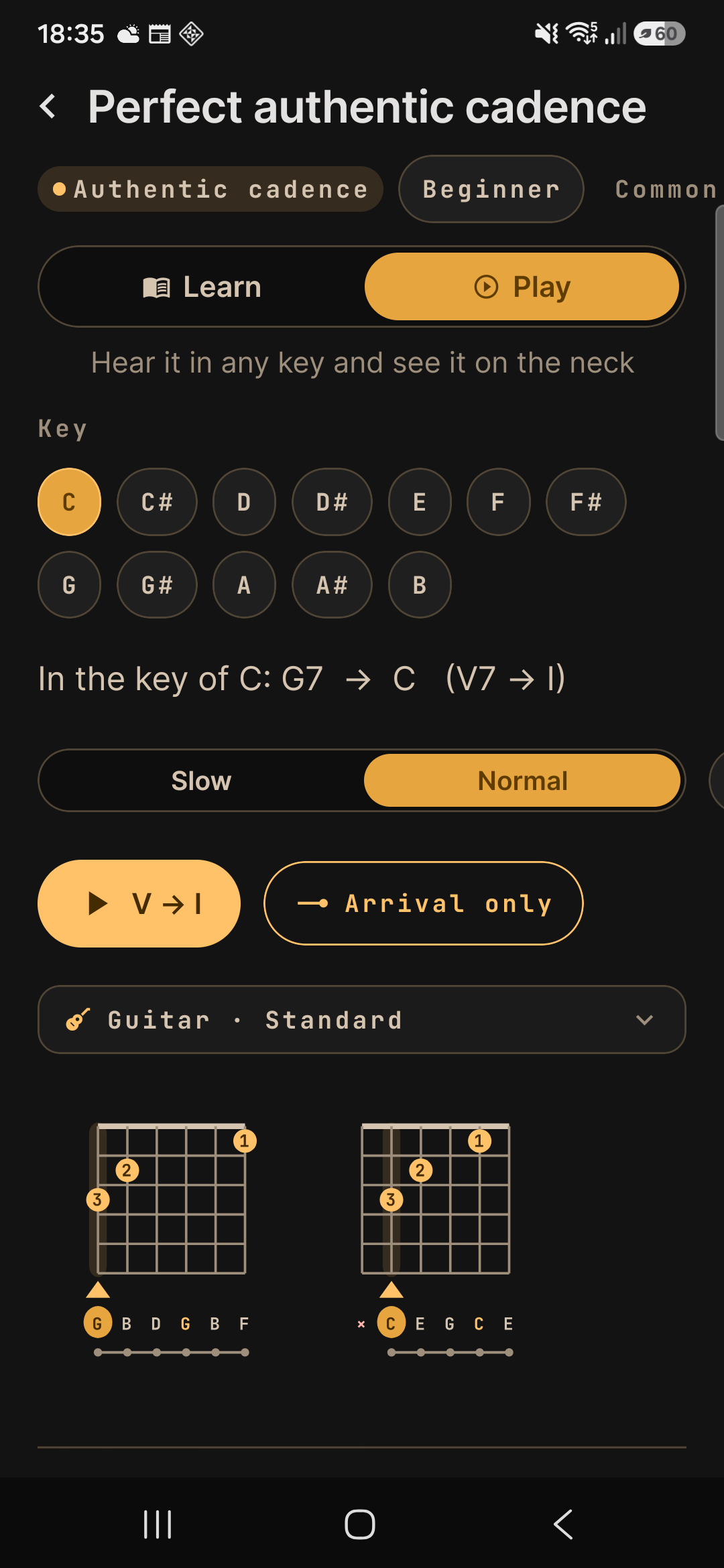
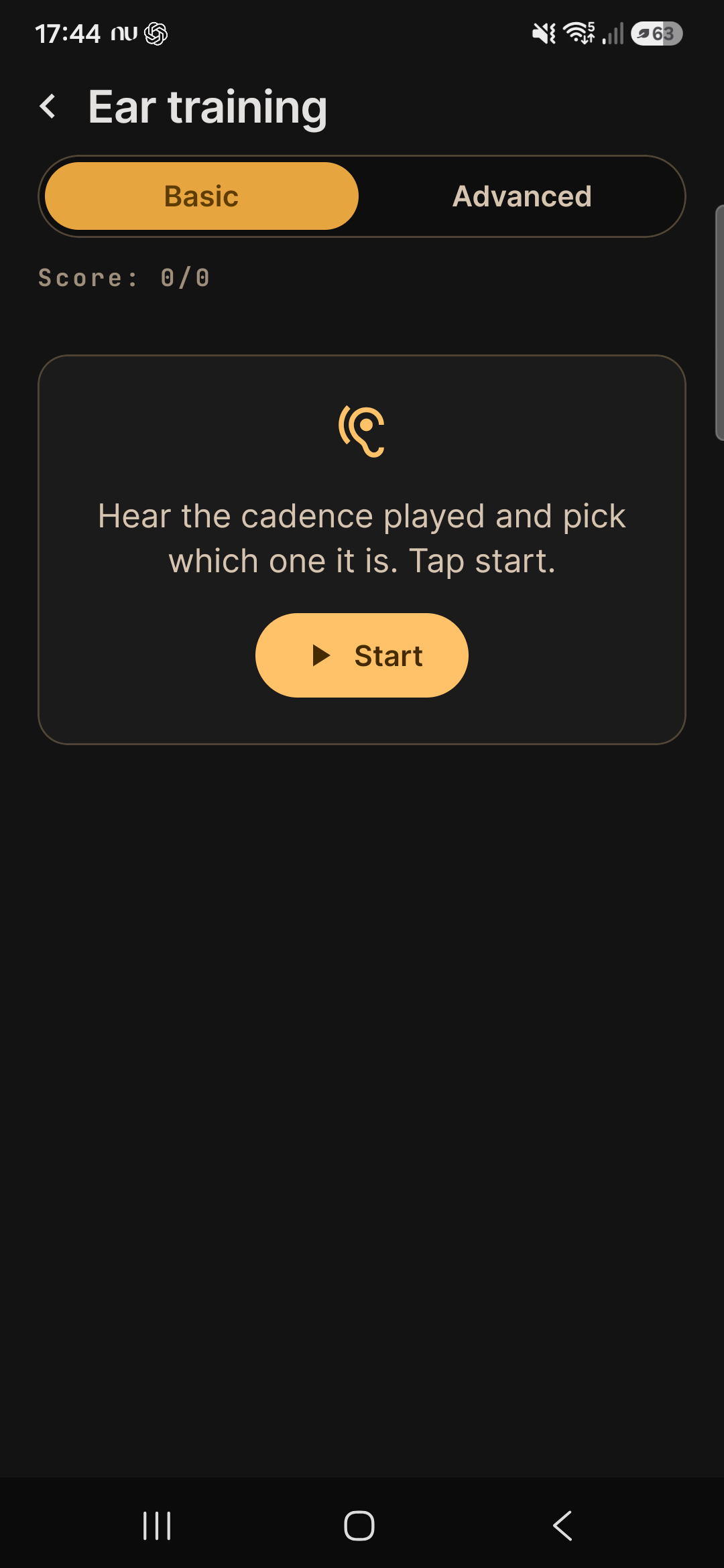
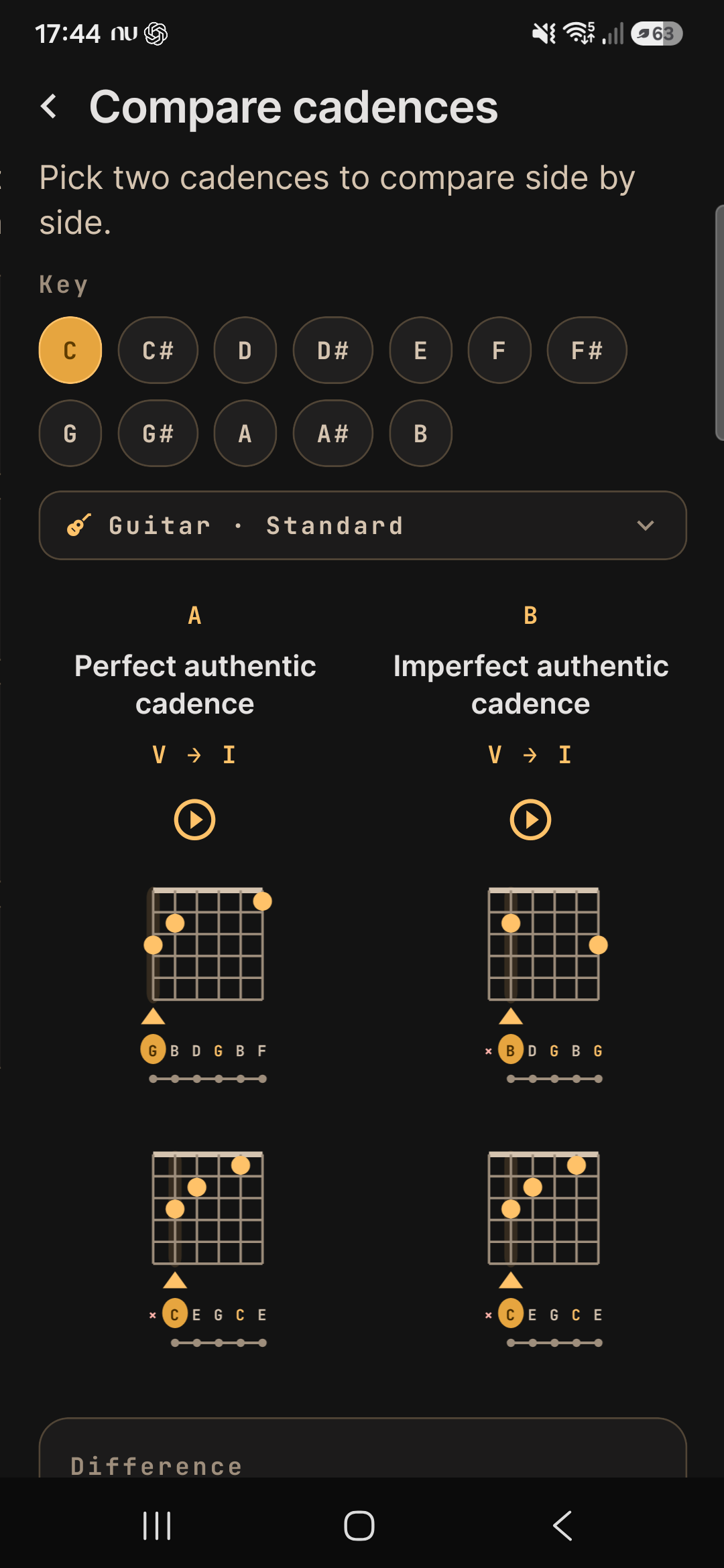
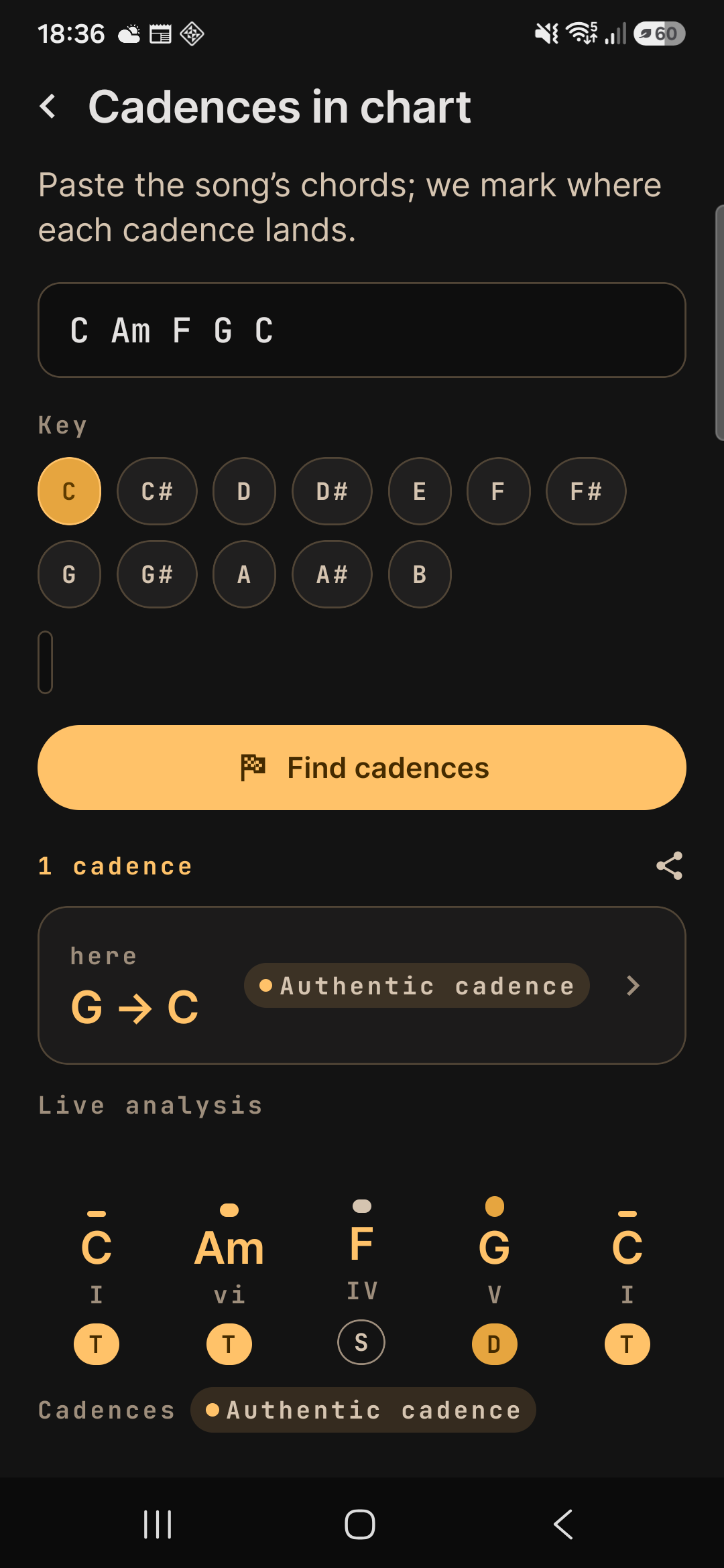
Cadences
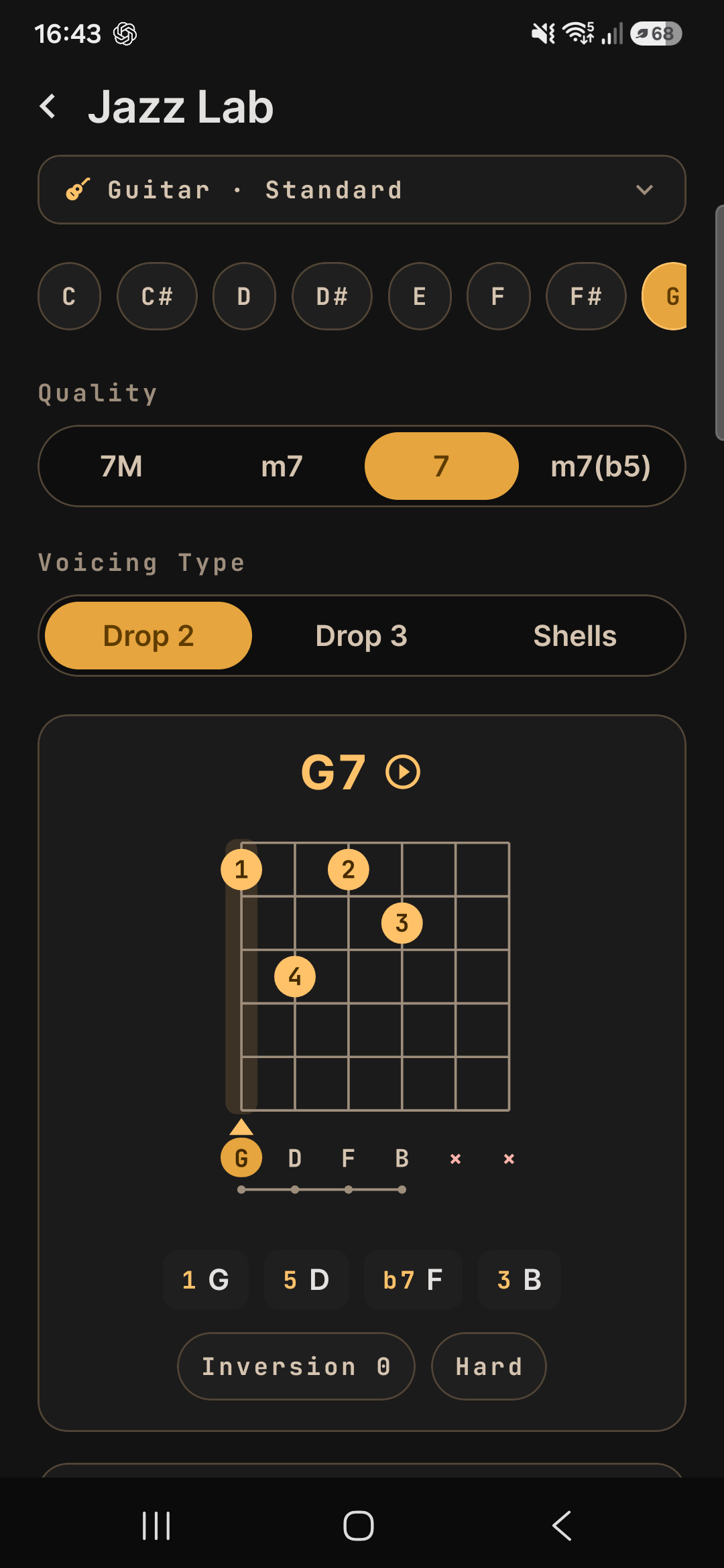
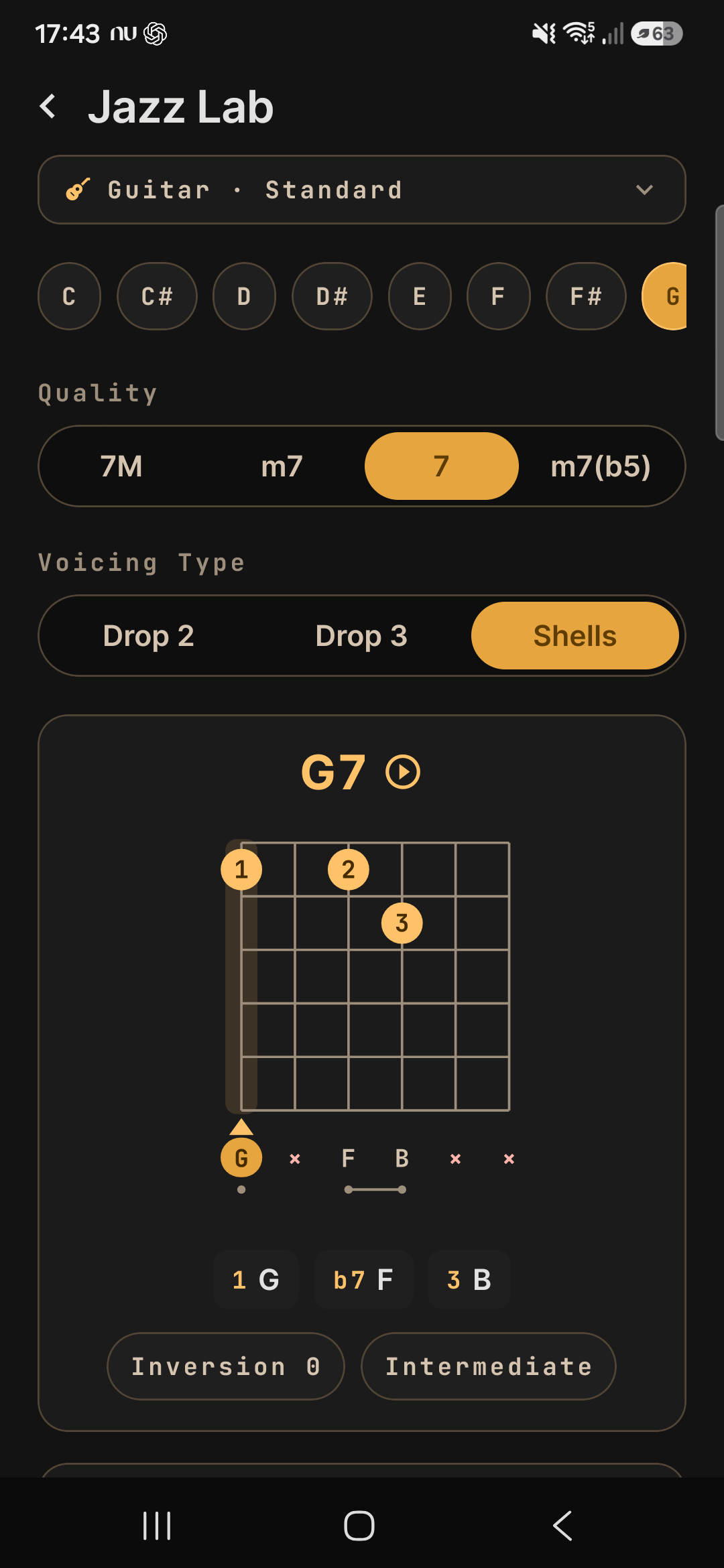
Reharmonization & jazz
Rhythm & practice

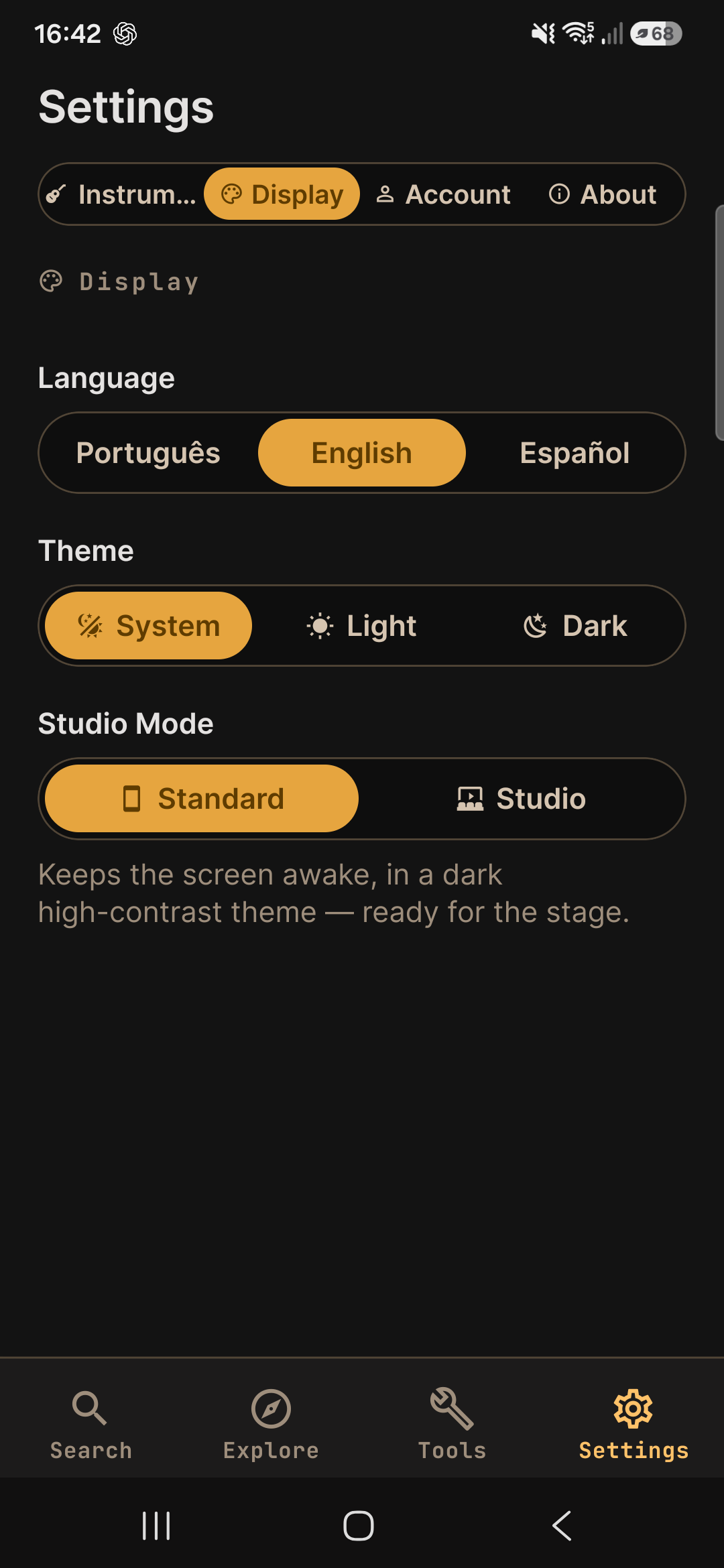
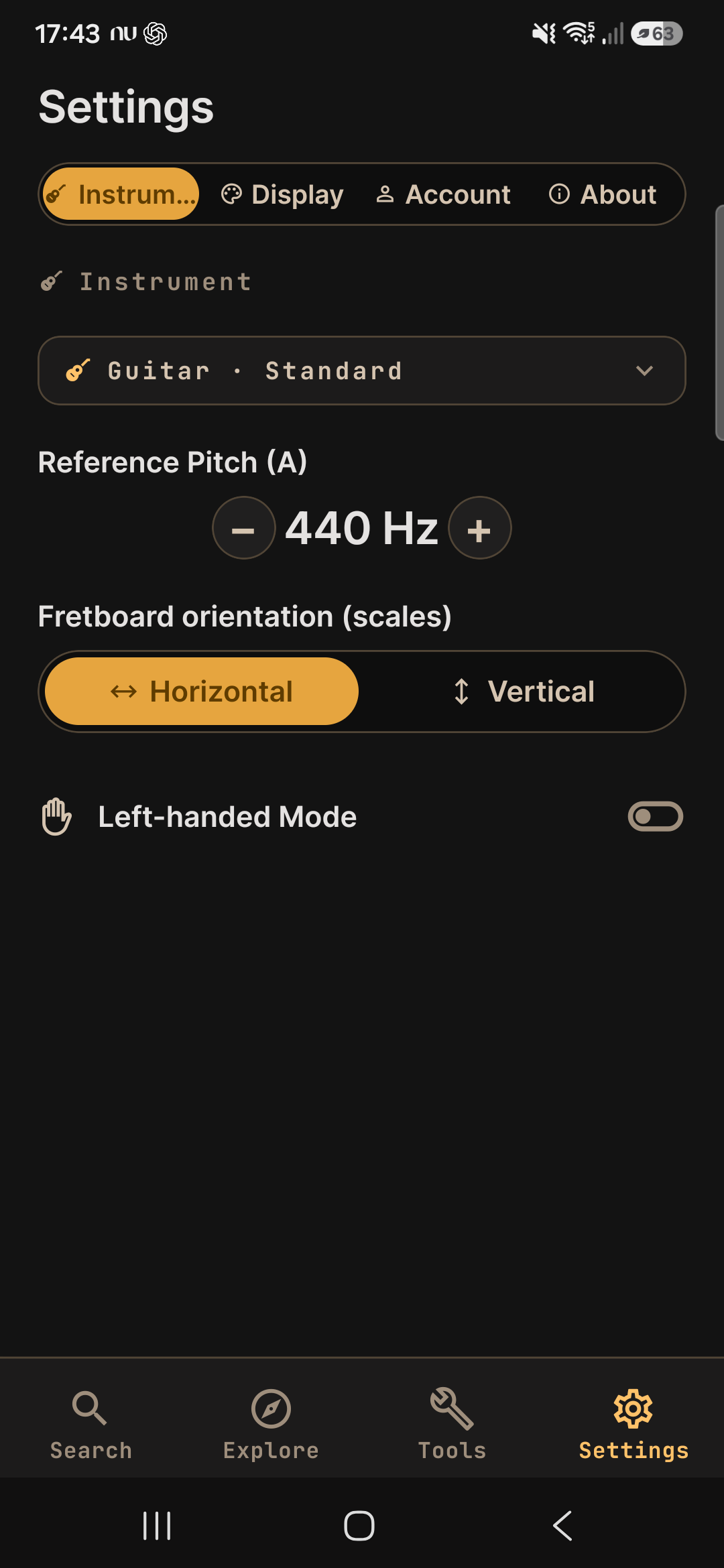
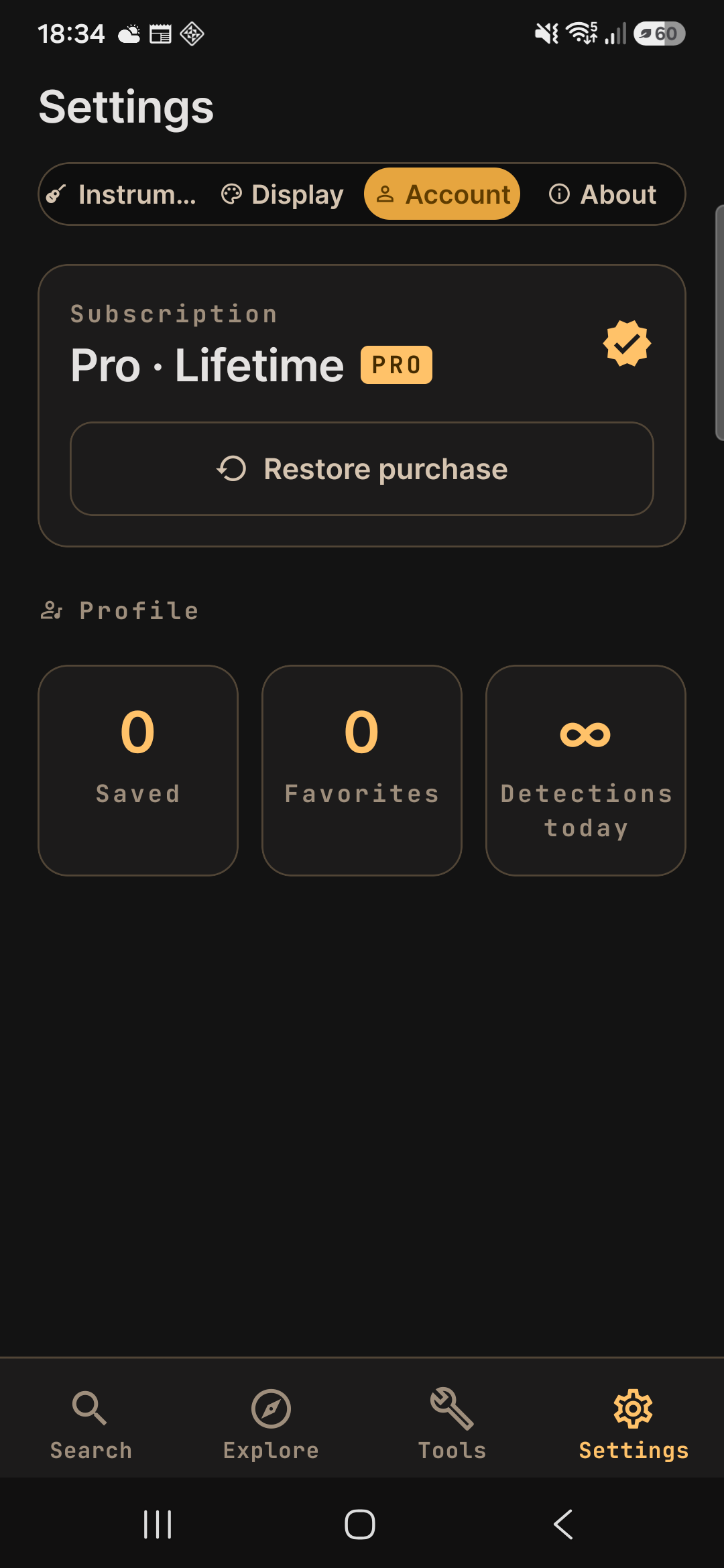
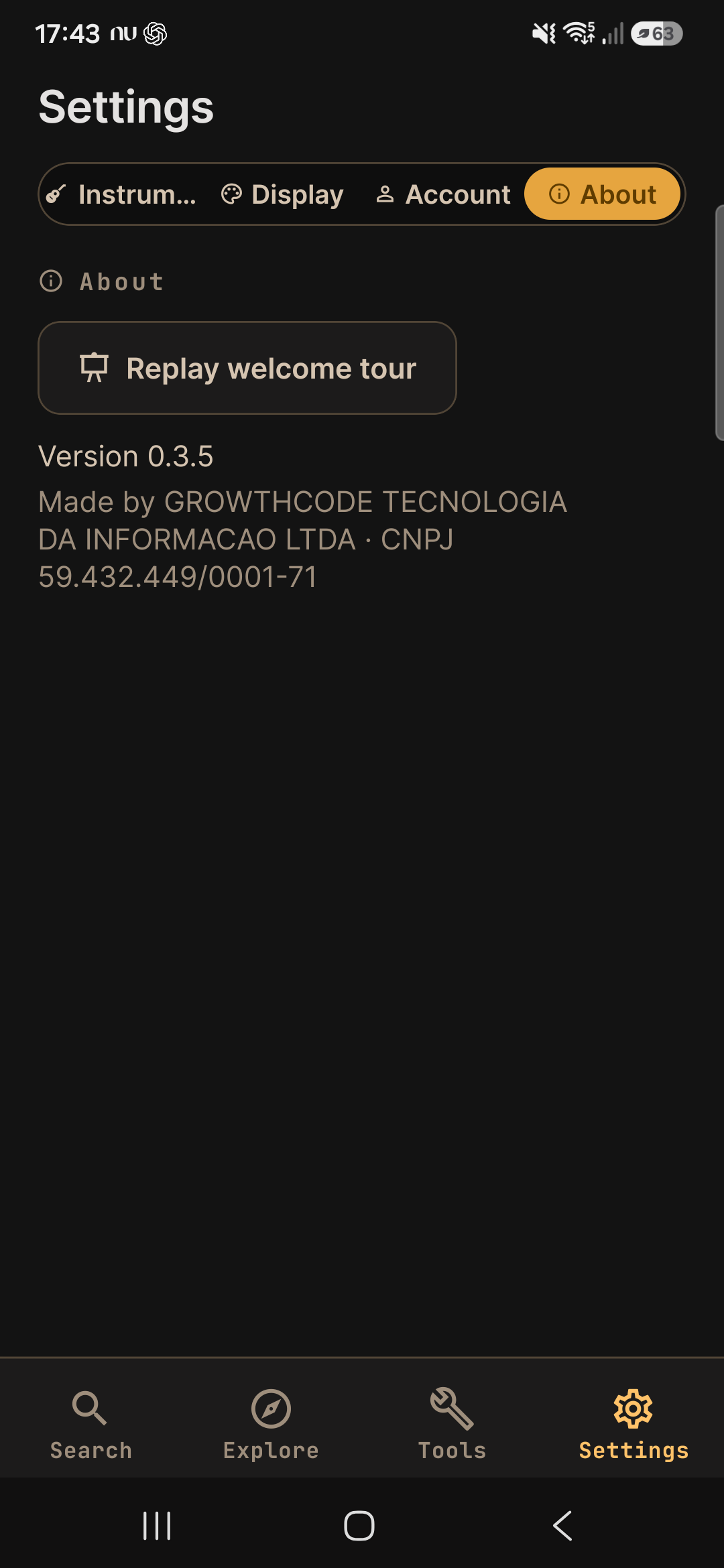
Organize & settings
Your chart, from rehearsal to the stage
The song you play becomes a rehearsal notebook: you paste the chart from anywhere, it turns into named sections, and the app remembers how YOU play that song — without ever rewriting the text you pasted.
- Paste it and get the structure every bracketed marker opens a section — Intro, Verse, Chorus, Bridge, Solo or Ending — and a “2x” in the header already becomes the repeat.
- Repeats and modulation per section each part plays 1 to 8 times and can go up or down by as much as 12 semitones — that is how “the last chorus goes up a half step”.
- A performance road map the reading follows the order the song really sounds in, holds the screen on a repeating section when it fits, and obeys the jumps back to the middle and out to the ending (D.S. and Coda).
- Transpose and capo without breaking anything the original text is never rewritten: reset it and the song comes back exactly as it arrived.
- A key that says where it came from the app tells you whether you set the key, whether it froze at creation or whether it is a guess — and with too few distinct chords it would rather say “not sure” than print a wrong key.
- The chart never wraps the chord stays over the right syllable, and stage mode enlarges everything so you can read it from a distance (the text size is your call while you paste or edit the chart).
Why offline matters
Music happens where the signal doesn't. The diagrams, scales and audio are generated on the device itself, so everything works with no connection — nothing to load, nothing to drop out mid-rehearsal.
- In the rehearsal room, even with no Wi-Fi
- On stage, never waiting on a signal
- On the road, travelling, anywhere
Your account is yours
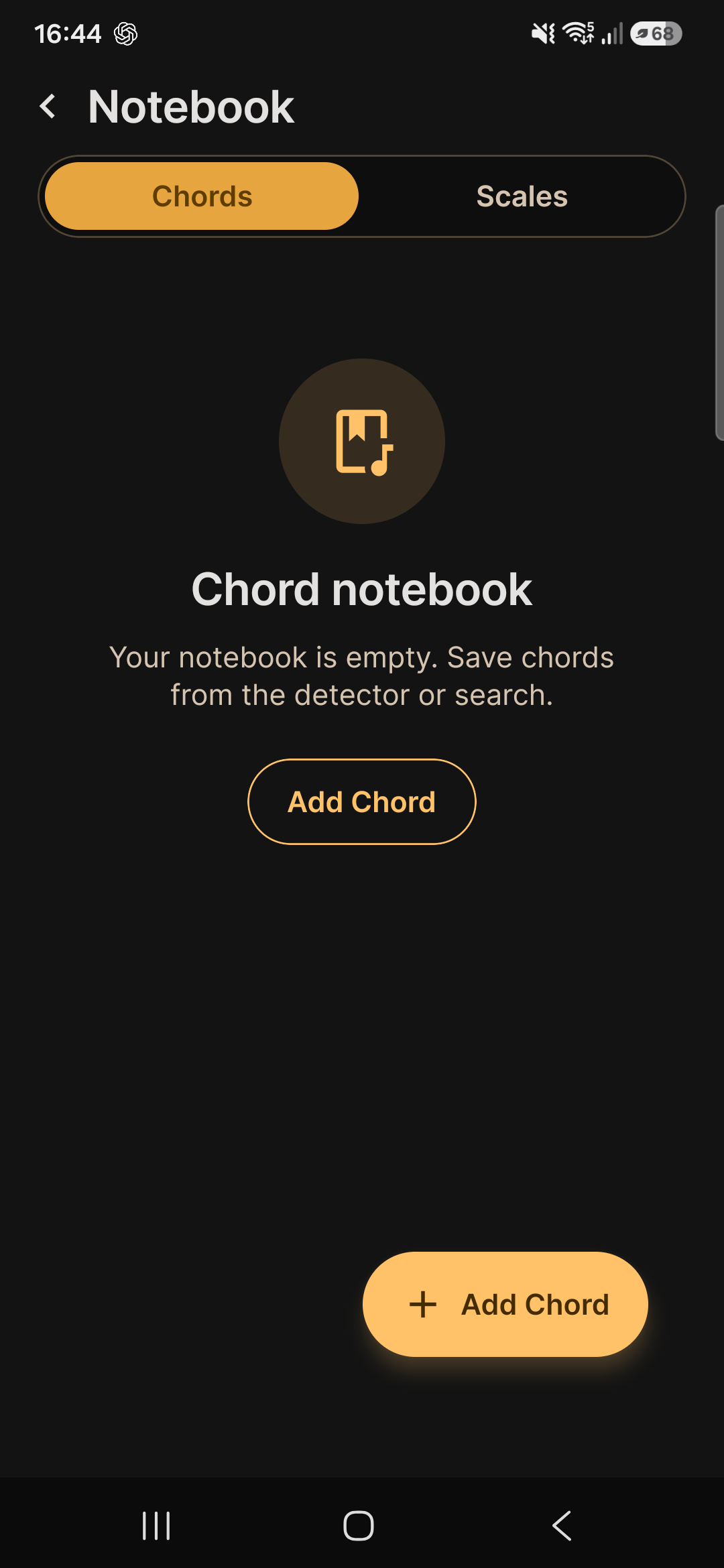
You use the whole app without an account. If you make one, it is for three things — keeping a copy of your library, being able to take it with you, and being able to erase it — and all three live on the Account screen itself, with nobody to ask.
- A backup sign in and your charts, your chords and your scales get a copy on our servers — change phones and it is all still there.
- The same library on every device “My devices” shows where you signed in, when it was last seen, and a button to disconnect the ones you no longer use (sold, lost, lent out).
- Take your data with you one tap downloads everything we keep about you as a file, to check it or take it anywhere.
- Delete it for real deleting the account erases your registration, your devices and the copy of your library on our servers. What is saved on the device stays with you.
- What we never collect location, contacts, photos, files or an advertising identifier. No behavioural trackers and no ads — on the site or in the app.
Start free. Go Pro when you want.
The essentials are free; Pro is a subscription in the app, with a 14-day free trial on the annual plan — and there is a lifetime unlock, paid once.
- Your charts with no limit (free keeps 20) — with stage mode and the road map
- Arpeggio and campanella on every position, and the whole scale played — hearing the chord is free
- The whole cadence catalog and every Jazz Lab voicing
- Use it with no account, and sync across devices: both on the free plan
- No ads, plays offline, updates included
Start free. Unlock everything with Pro. Plays offline.
Straight questions, straight answers
Is Pro a subscription?
That is the main way: $6.99/mo or $34.99/yr, with a 14-day free trial on the annual plan and cancel anytime. There is also a lifetime unlock: $174.99, a one-time purchase — pay once, no renewal. The essentials stay free, no ads.
Does it work offline?
Playing does: diagrams, scales and audio are generated on the device. The one thing that needs the internet now and then is confirming the Pro subscription: the app keeps a signed pass good for about 30 days and tolerates roughly 7 more. Go past that with no connection at all and Pro falls back to free until you open the app online once — nothing that is free ever stops.
Which instruments?
Guitar, electric guitar, cavaquinho and ukulele, with 16 tunings in total, in every key.
What does Pro unlock?
The complete library, with sound on all of it: 218,399 voicings and inversions and 35,178 mapped scale shapes. In the tools Pro is specific: the tuner's alternate tunings, letting the app find the best capo on its own, the bold reharmonization levels, Identify Chord with no daily limit and saved charts with no limit. The metronome and the rhythm trainer are entirely free; the tuner is free in each instrument's standard tuning; transposing and placing the capo by hand are free.
Do I need an account? What happens to my data?
Not to use it. The account is for syncing across devices and keeping a copy of your library — and it comes with the controls attached: see the devices you signed in on, download everything we keep about you as a file, and delete the account and that copy whenever you like. Without an account, nothing leaves your device.
And this site?
It stays free. The essential reference for chords, scales, grooves and progressions lives here in the open — the app takes it all into your pocket and unlocks the entire library.